Text-to-Audio-Video
A complete moving scene generated from a written prompt, demonstrating cinematic composition, motion, timing, and native sound without an input image.
Try MiniMax H3 completely free in your browser. Turn text, images, videos, and audio references into expressive video with synchronized stereo sound, strong instruction following, flexible creative control, and no software installation.
MiniMax H3 is a general-purpose multimodal generation model built to understand how text, images, video, and audio relate to one another. It unifies formerly separate video tasks in one more flexible creative system.
Describe relationships between prompts, keyframes, reference clips, subjects, motion, voices, sound effects, and music. H3 interprets the combined context instead of treating every input as an isolated task.
Generate visual motion and synchronized 32 kHz stereo audio together, including dialogue, ambient sound, effects, and music that support the scene rather than feeling added afterward.
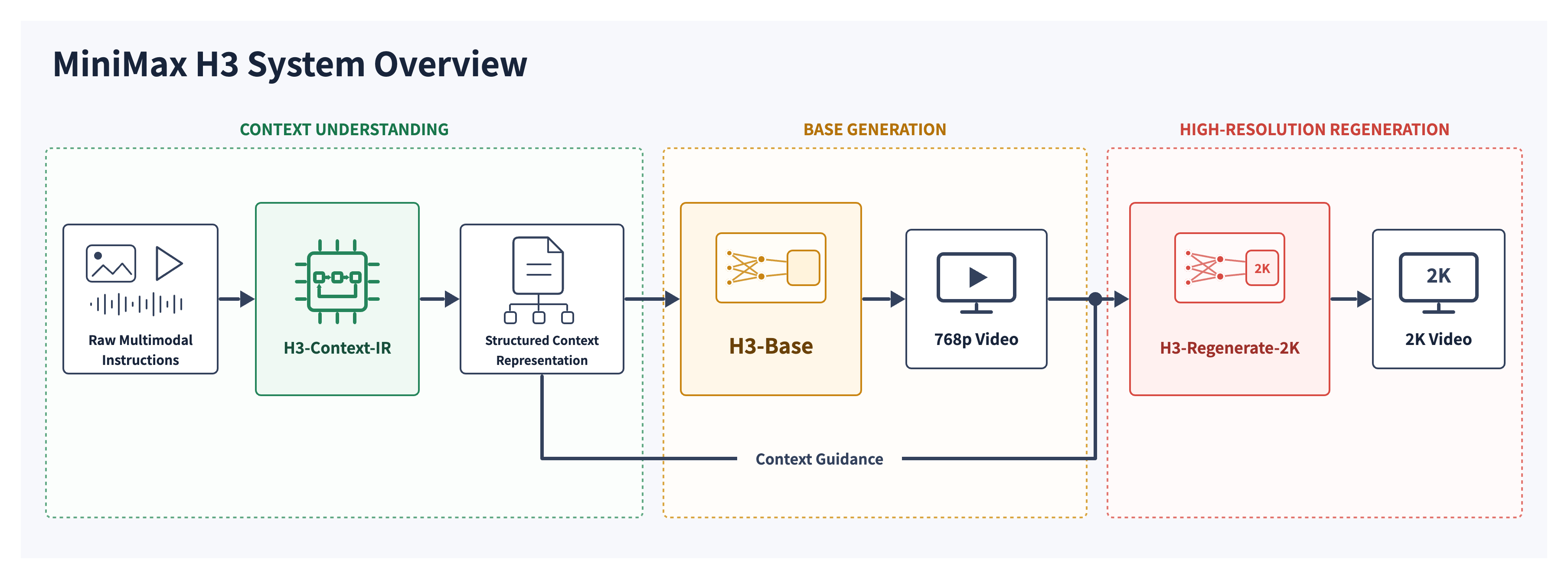
The complete H3 system supports clips from 4 to 15 seconds, 24 FPS output, broad aspect ratios, and in-context regeneration for high-detail 2K results.
Start from text alone, animate a first or last frame, connect first and last frames, or guide a new video with multiple reference images, video clips, and audio sources.
H3 is designed for commercial creative work where legible text, recognizable brand elements, product fidelity, instruction adherence, and controlled revisions matter.
Plan camera movement, scene transitions, subject continuity, action timing, and evolving sound across multiple shots for stories that feel intentionally directed.
Watch reproducible outputs published in the official MiniMax H3 repository. Turn on sound to experience the model's joint audio-video generation.
A complete moving scene generated from a written prompt, demonstrating cinematic composition, motion, timing, and native sound without an input image.
H3 uses one or two keyframes to establish visual direction, then creates coherent movement and stereo audio between the supplied visual anchors.
Reference images, clips, motion, or audio can guide identity, appearance, action, voice, and atmosphere within a newly generated result.
Developers can download the released H3-Base checkpoints and serve text-to-video, frame-to-video, or reference-to-video workflows with supported open inference frameworks.
Use FL2VA for text-to-video and first/last-frame generation. Choose Ref2VA when your workflow needs combinations of reference images, videos, and audio.
Fetch only the task family your deployment needs from MiniMaxAI/MiniMax-H3 on Hugging Face, including its processor, tokenizer, encoder, transformer, visual VAE, and audio VAE.
Follow the official recipes for SGLang, vLLM, Diffusers, or ComfyUI. Validate with the repository's reproducible 768p scripts before adapting the pipeline for your product.
hf download MiniMaxAI/MiniMax-H3 --include "model_index.json" "FL2VA/*"sglang serve --model-path MiniMaxAI/MiniMax-H3 --num-gpus 4 --model-variant fl2vaImportant: the open release currently includes H3-Base checkpoints for 768p generation. H3-Context-IR and H3-Regenerate-2K are hosted modules and are not included in the current open-source release. Review the MiniMax H3 Community License and official hardware guidance before production deployment.
Explore MiniMax H3 on GitHubMove from the free browser experience to a developer-ready endpoint. Choose the H3 API mode that matches your source material and production workflow.
Create audio-video clips from natural-language prompts for story concepts, cinematic scenes, ads, social content, product ideas, and automated video pipelines.
View API detailsAnimate a source image or keyframe while controlling subject movement, camera direction, scene behavior, timing, and synchronized sound through text instructions.
View API detailsBuild reference-driven workflows that use images, video, and audio to guide subjects, identity, motion, voice, atmosphere, editing, and style in one request.
View API detailsH3 is designed for more than isolated clips. Its multimodal context and joint sound generation support practical creative production across marketing, entertainment, commerce, and product design.
Create product reveals, campaign concepts, branded motion, lifestyle scenes, promotional dialogue, animated posters, and fast ad variations with stronger text and product consistency.
Direct camera moves, character actions, shot changes, dialogue, ambience, effects, and music in a unified prompt for cinematic sequences and narrative prototypes.
Use visual and motion references to preserve a subject or movement pattern while changing the environment, styling, performance, voice, or creative direction.
Prototype game cinematics, interface motion, launch visuals, product websites, concept demonstrations, and interactive experience assets before committing to full production.
Continue creating with free AI image generators, editors, and multimodal tools for visual concepts, advertising, products, portraits, social content, and production experiments.

Create realistic images, product campaigns, posters and visual concepts online for free.
Create AI videos with native stereo audio from text, images, video, and multimodal references for free.
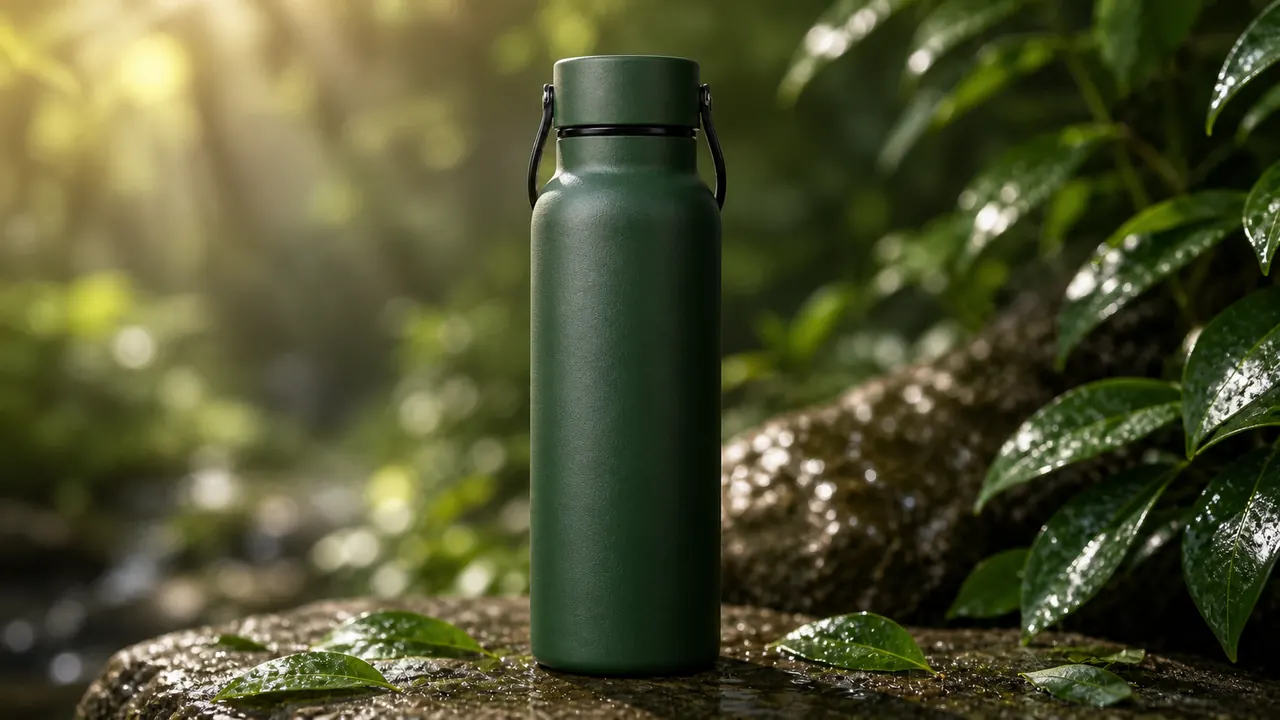
Change photo objects, backgrounds, colors, and ad visuals online for free.
Create Stunning Images with GPT Image 2
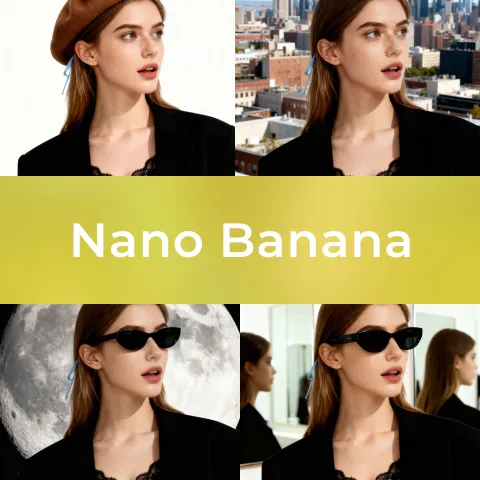
Nano Banana AI is a tool that allows you to create images using the Nano Banana AI model.

Nano Banana Pro is a tool that allows you to create images using the Nano Banana Pro model.
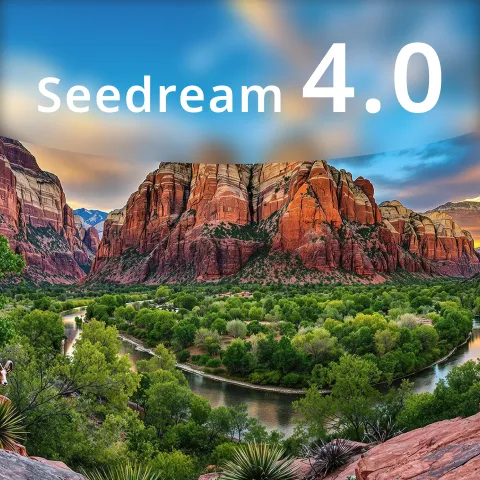
Seedream 4.0 is a tool that allows you to create images using the Seedream 4.0 model.
Explore the newest AI tools recently added to Artiverse AI and discover fresh options for your creative workflow.
Submit your AI tool to Artiverse AI to earn dofollow links, reach more visitors, increase referral traffic, and strengthen your website authority.
Key answers about the free online experience, supported inputs, output quality, open deployment, API options, and responsible use.
Explore practical guides, model comparisons, prompting ideas, multimodal video workflows, and creative techniques for producing better AI-generated video and audio.