• Free Tools
  • Image-Image to Image

    Imgfree And 80 other AI Tools For Image to Image

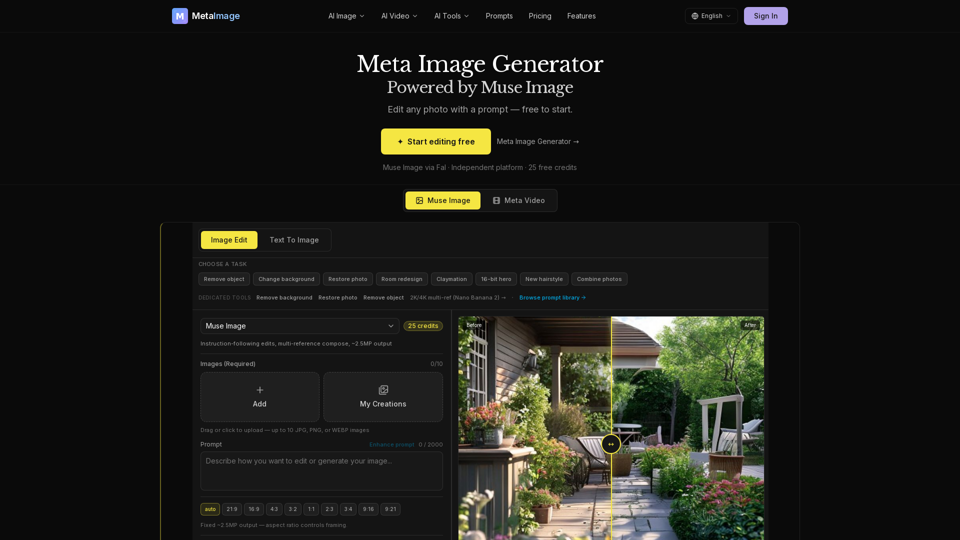
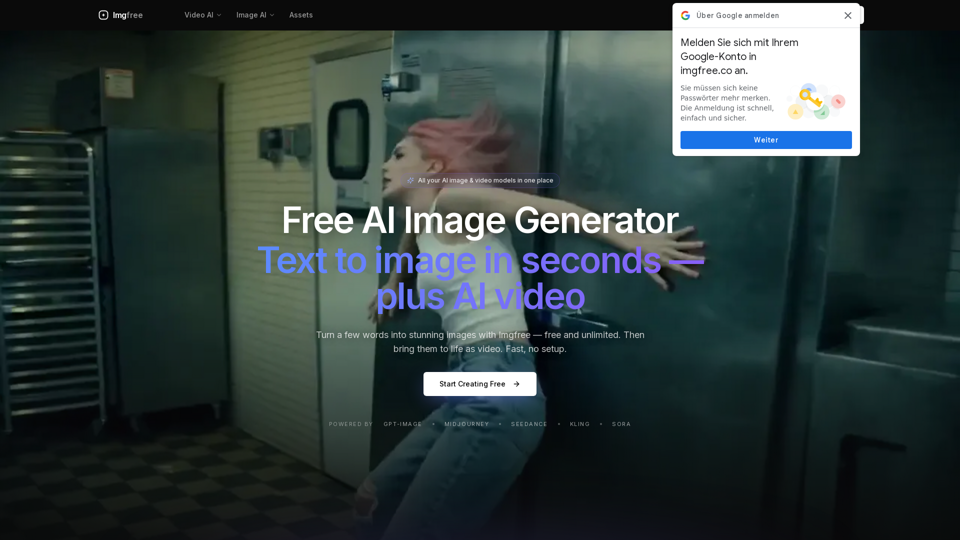
    Imgfree

    Imgfree - Free AI Image Generator, Unlimited Text to Image and Fast Image Hosting Service

    --
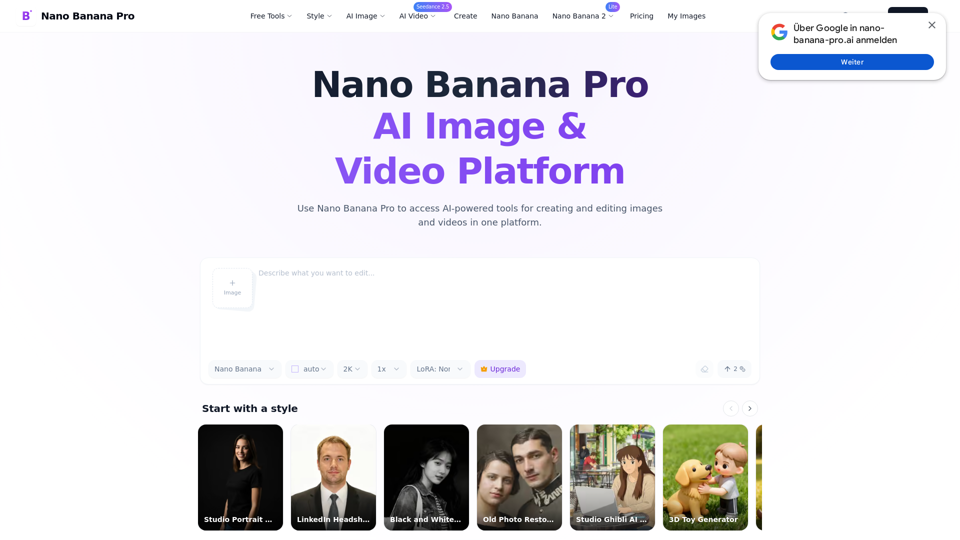
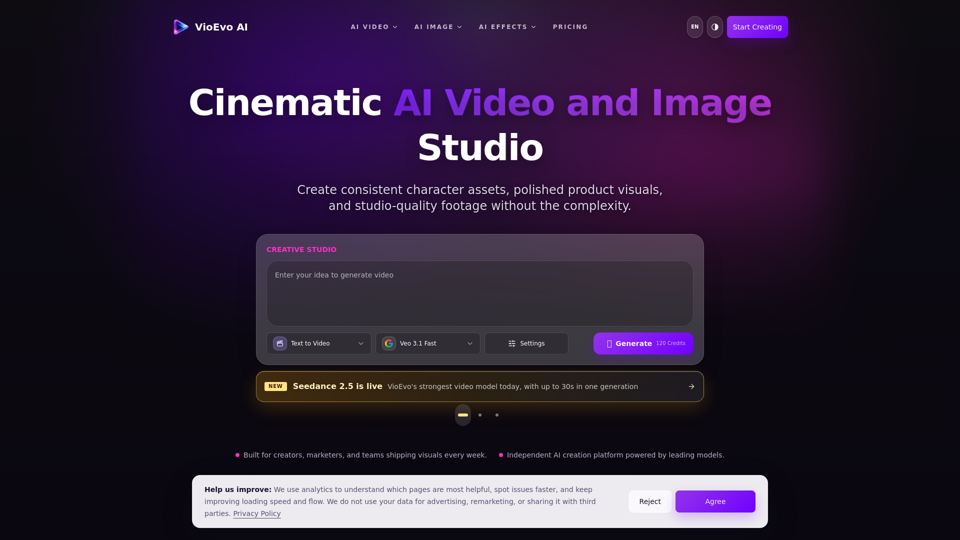
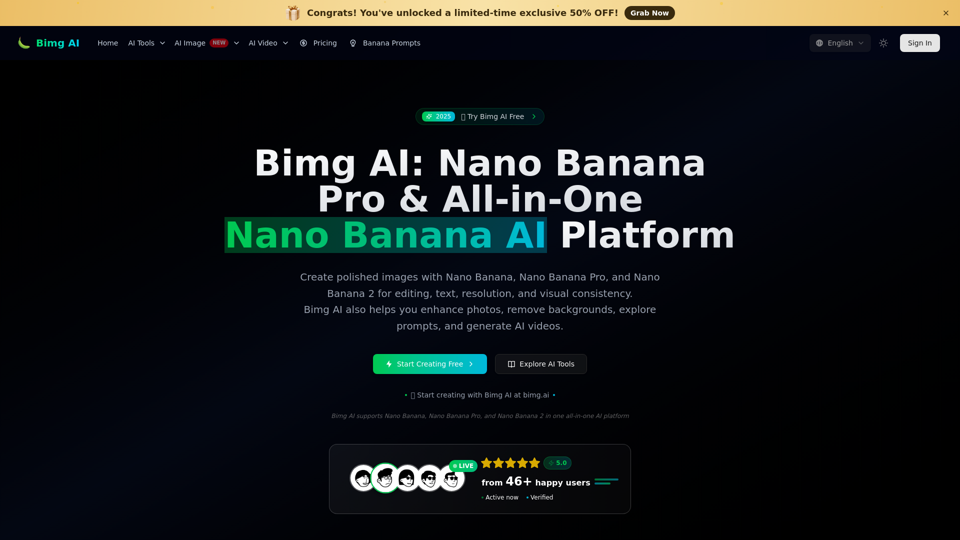
    Bimg AI: Nano Banana AI Platform

    Bimg AI: Nano Banana AI Platform - Best Text-to-Image Tool for Generative AI Art

    --
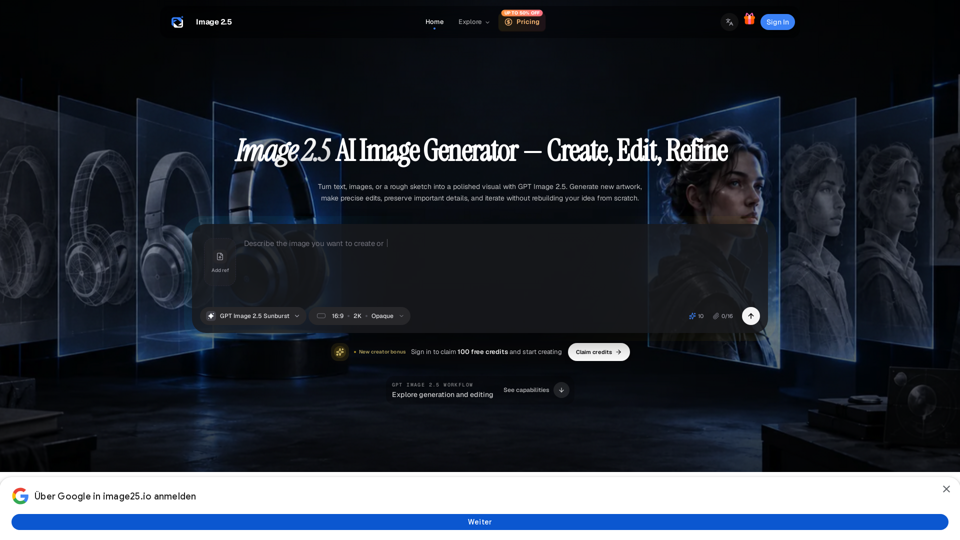
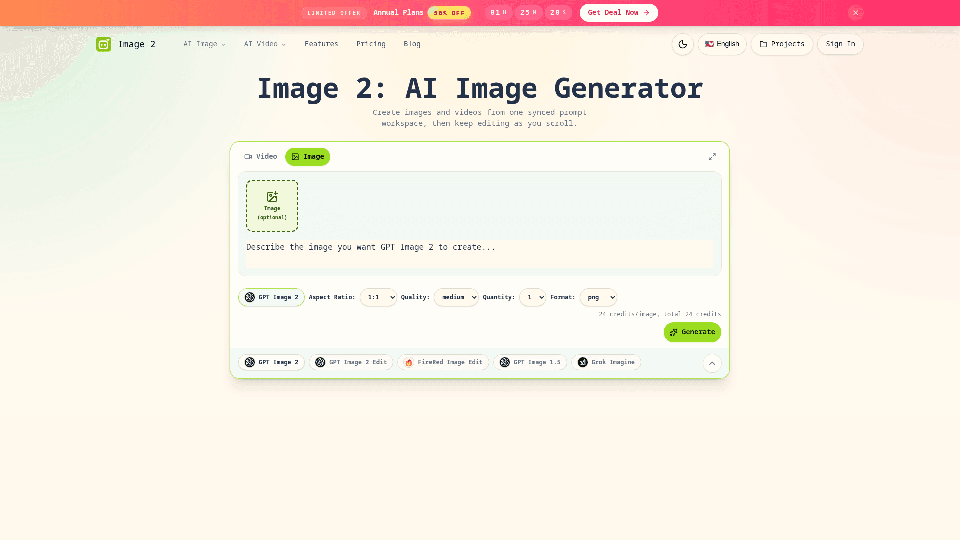
    image 2

    image 2 - AI Image Generator: Text to Image AI Art Creator and Image Synthesis

    --
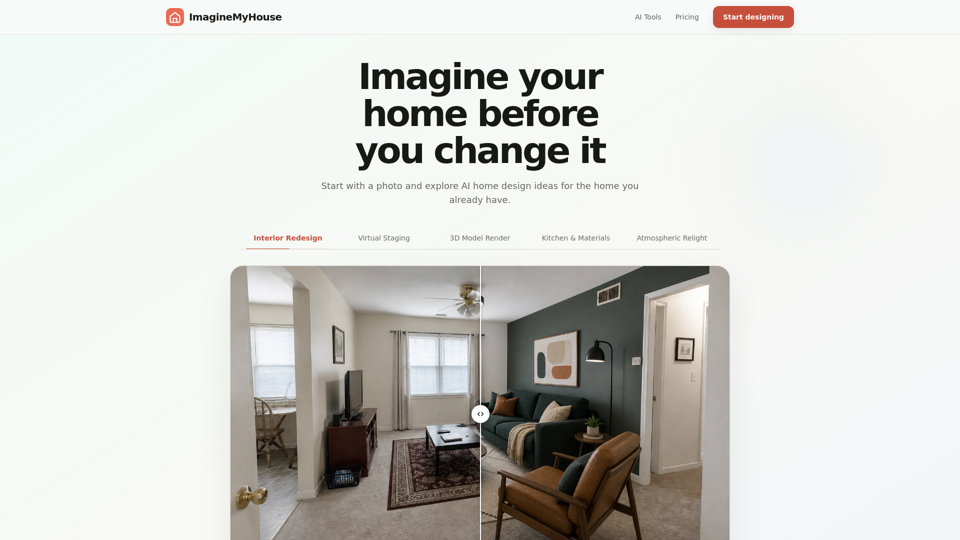
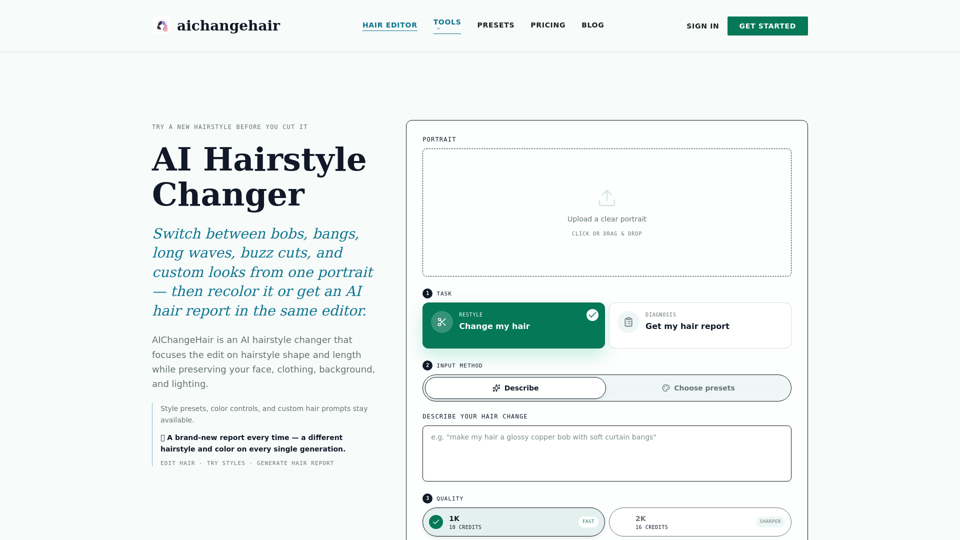
    AI Change Hair

    AI Change Hair - AI Hairstyle Generator & Virtual Hair Try-On Tool

    --
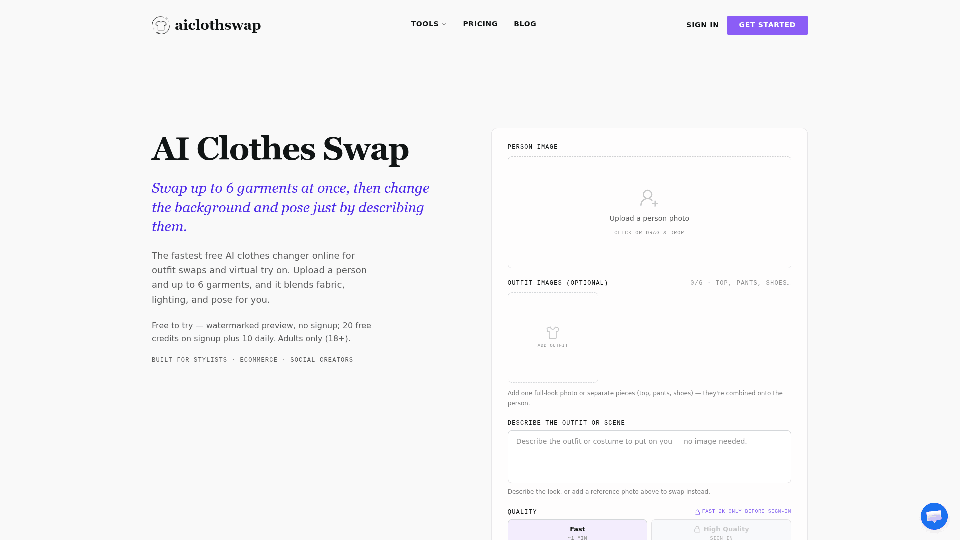
    AI Cloth Swap

    AI Cloth Swap - Free AI Clothing Changer & Virtual Try-On Tool for Fashion Models

    --
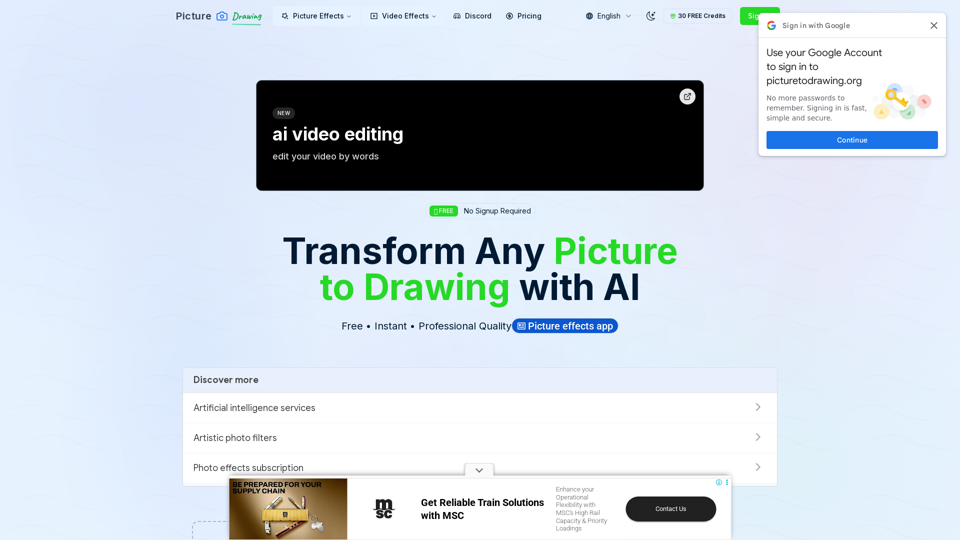
    Picture to Drawing

    Picture to Drawing - Convert Photo to Sketch & AI Drawing Generator

    --
    Erasio

    Erasio - AI Object Eraser and Photo Editing Tool for Easy Image Cleanup

    --
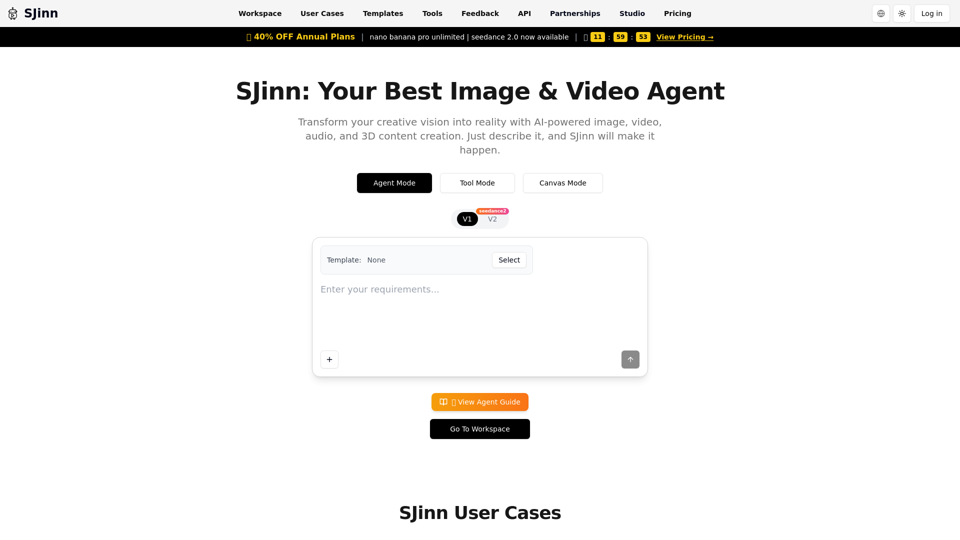
    SJinn AI

    SJinn AI - AI Content Generation & Intelligent Image and Video Creation Platform

    --
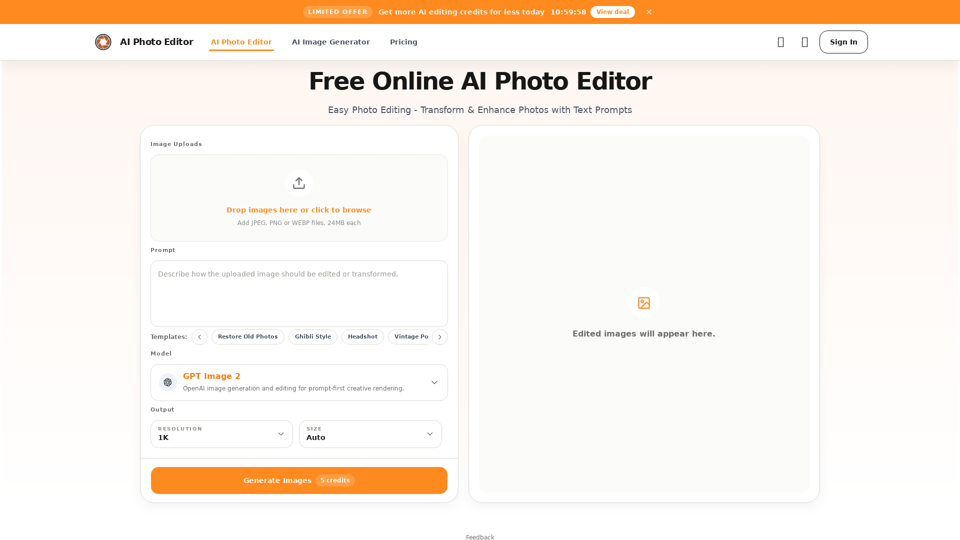
    AI Photo Editor

    AI Photo Editor - Free Online AI Photo Enhancer, Background Remover, Image Generator & Photo Retouch

    --
    Omni Flash AI

    Omni Flash AI - AI Content Generator, Writing Assistant, SEO Tools & Content Platform

    --
    GPT Image 2

    GPT Image 2 - Free AI Image Generator, Text to Image AI Art & Online Editor

    --
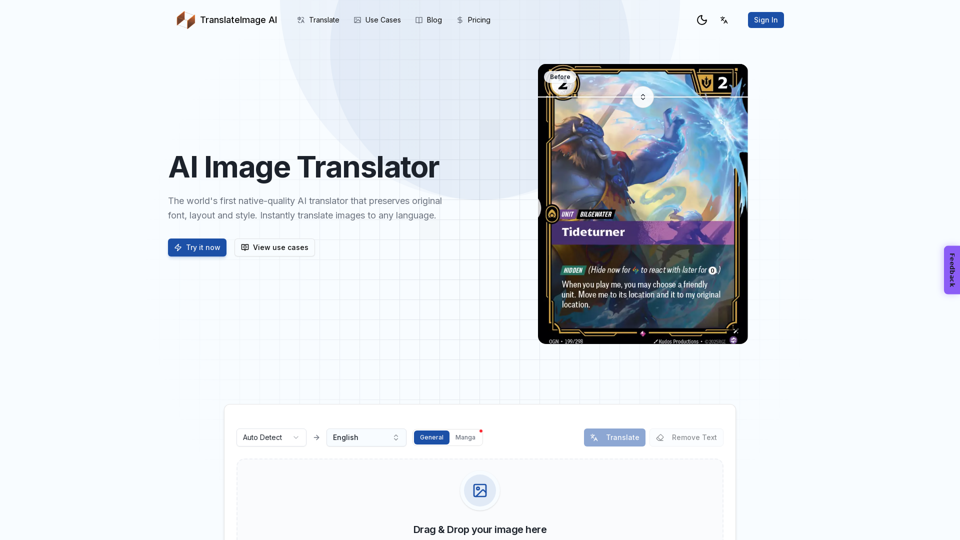
    Image Translator Pixel-Perfect

    Image Translator Pixel-Perfect - AI Image Translator Online, Visual Translation Software & AI Photo Translator

    --
    Coloring Store

    Coloring Store - AI Generator, Printable Pages, Books, Supplies

    --
    Vidoly AI Image & Video Generator

    Vidoly AI Image & Video Generator - AI Video, Text to Image, Generative AI Content Creation Tool

    --
    Free Mini GPT Image AI

    Free Mini GPT Image AI - Generate Free GPT Image 2 Online

    --
    Flyne AI

    Flyne AI - AI Content Creation Platform for Social Media Management & Brand Voice Consistency

    --
    Banana AI

    Banana AI - AI Assistant, Productivity AI, AI Solutions & Intelligent Automation

    --
    AI Photo Generator

    AI Photo Generator - Free AI Photo & Online AI Image Generator

    --
    Pixlio AI

    Pixlio AI - Free AI Photo Editor & Online Image Editor

    --
    Foca Upscaler AI

    Foca Upscaler AI - Free AI Image Upscaler & Online Photo Enhancer

    --
    Related Categories Image-Image to Image

    What's an AI Image Generator?

    An AI image generator is a powerful tool that utilizes artificial intelligence to create images from text prompts. Unlike traditional image-sourcing tools that search for existing images, AI image generators produce unique, original images that don't exist in reality. These tools are designed to interpret text descriptions and generate visuals that match the specified criteria, offering endless creative possibilities for content creators and marketers.

    Benefits of AI Image Generators

    AI image generators provide numerous advantages for users, including:

    • Higher Productivity: Quickly generate images without the need for extensive editing skills or searching through stock photo libraries.
    • Unique Images: Each generated image is distinct, ensuring your visual content is one-of-a-kind.
    • Greater Control Over Design: Customize details such as textures, lighting, and color palettes to suit your specific needs.
    • High-Resolution Images: Create detailed, high-quality visuals suitable for various content projects.

    How to Use AI Image Generators

    Developing a General Idea

    Before using an AI image generator, formulate a clear idea of the image you want to create. Consider the subject matter, the mood you wish to convey, and any additional elements you want to include in the scene.

    Crafting Effective Prompts

    The success of AI-generated images largely depends on the quality of the text prompts. Here are some tips for creating effective prompts:

    • Include a Noun, Verb, and Adjective: Ensure your description is comprehensive and vivid.
    • Utilize Multiple Adjectives: This helps in accurately representing the intended concept.
    • Specify Art Styles: Use phrases like "in the style of" to mimic specific artistic styles.
    • Mention Quality and Color Palette: Define the desired resolution and color scheme.

    Experimenting with Settings

    AI image generators often provide various settings to customize the output. Experiment with these to achieve the desired result, adjusting parameters like color, resolution, and contrast.

    Refining Images

    After generating images, use post-processing tools to enhance their quality. Adjust aspects such as brightness, contrast, and colors to ensure the images meet your expectations.

    By leveraging AI image generators, content creators can efficiently produce stunning visuals, enhancing the overall impact of their content.