
• Free Tools
  • Video-AI Animated Video

    Clip Trend AI And 21 other AI Tools For AI Animated Video

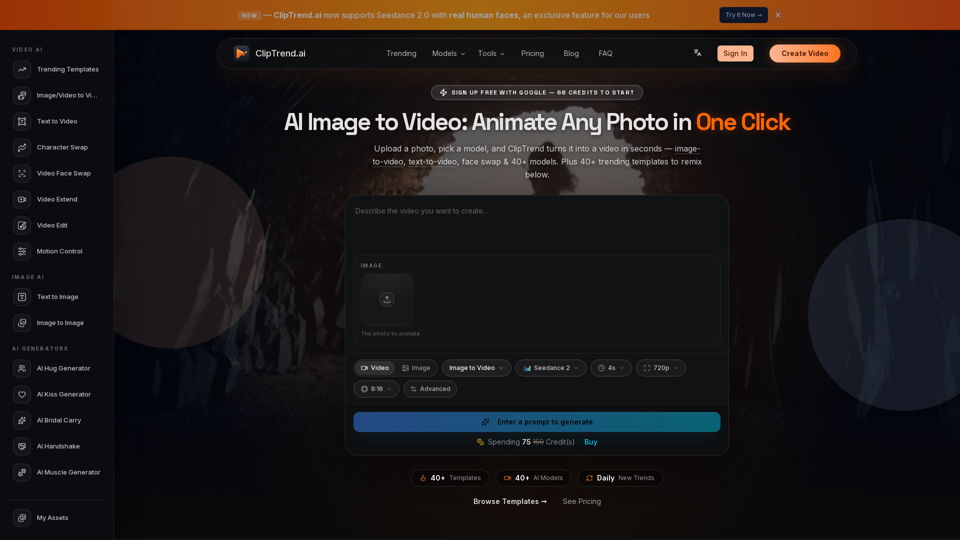
    Clip Trend AI

    Clip Trend AI - AI Video Analytics & Viral Content Performance Insights

    --
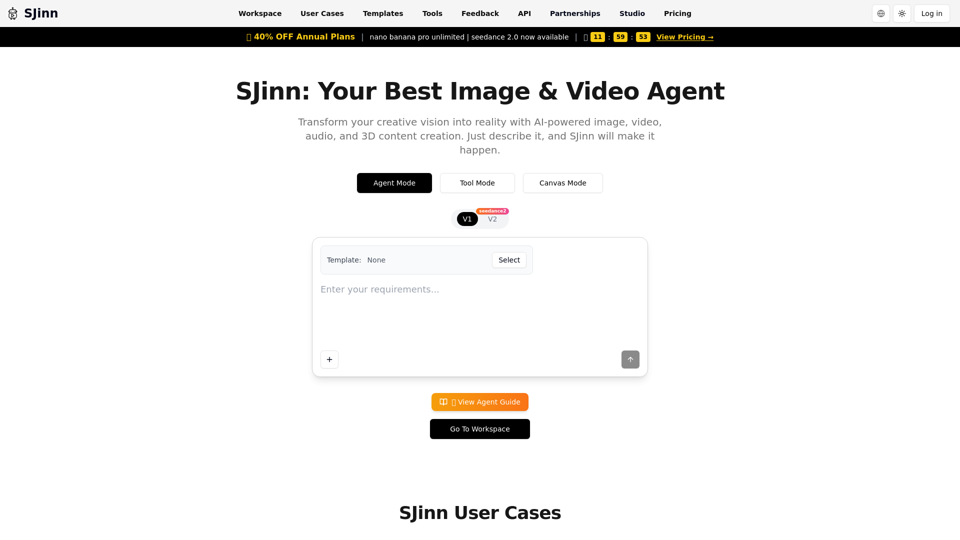
    SJinn AI

    SJinn AI - AI Content Generation & Intelligent Image and Video Creation Platform

    --
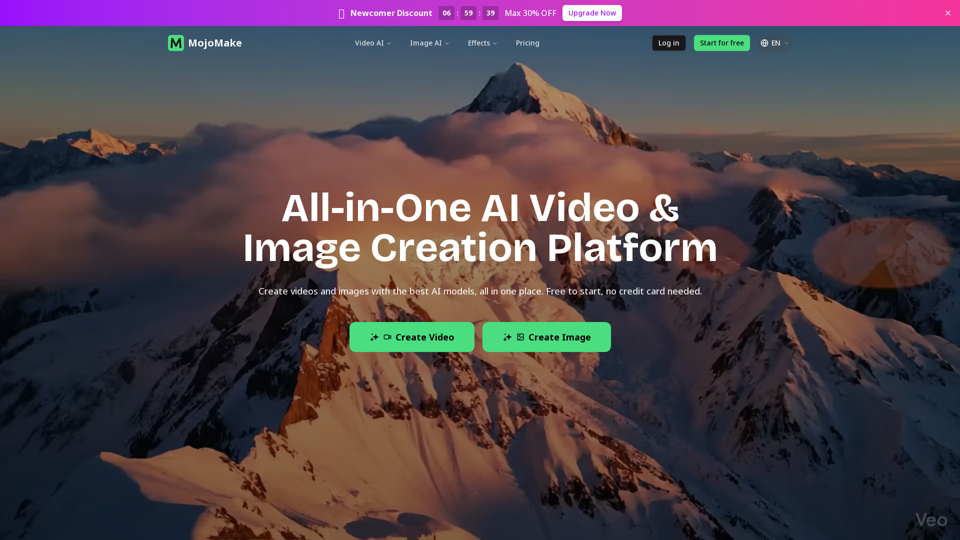
    MojoMake AI Video & Image Studio

    MojoMake AI Video & Image Studio - Generative AI Platform for Video & Image Creation

    --
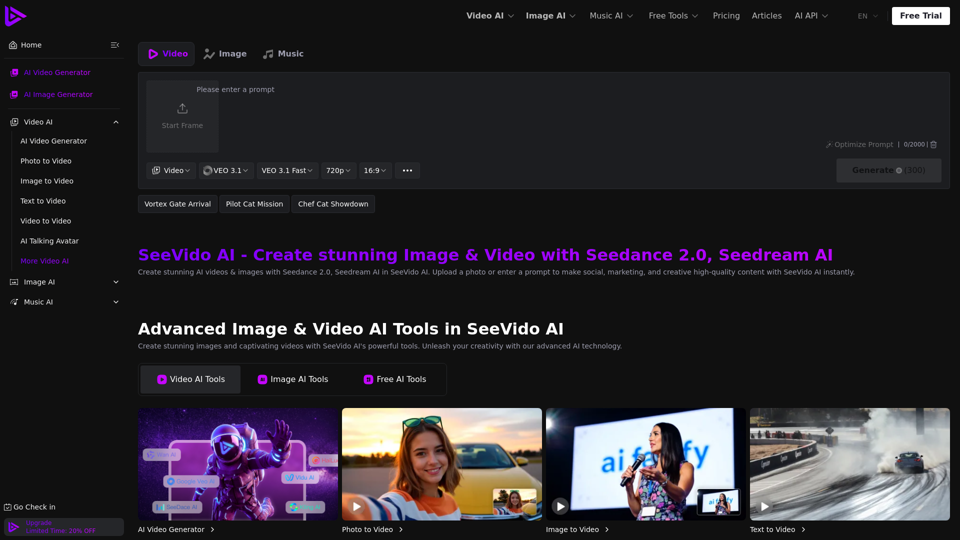
    See Video AI

    See Video AI - SeeVido AI: Free AI Video Platform & Generator, Text to Video AI for Stunning Automated Video Production with Seedance 2.0 AI

    --
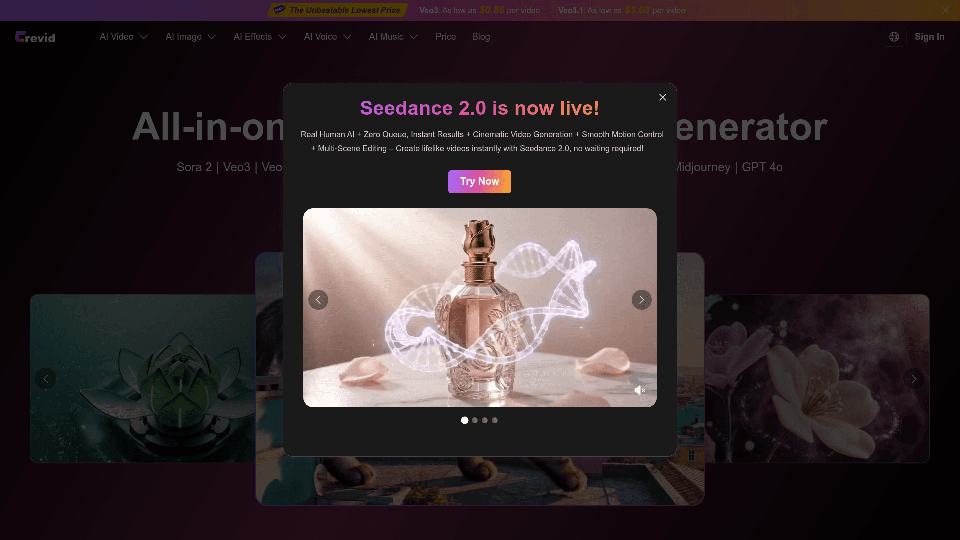
    Crevid AI

    Crevid AI - AI Video & Image Generator: All-in-One Content Creation Platform

    --
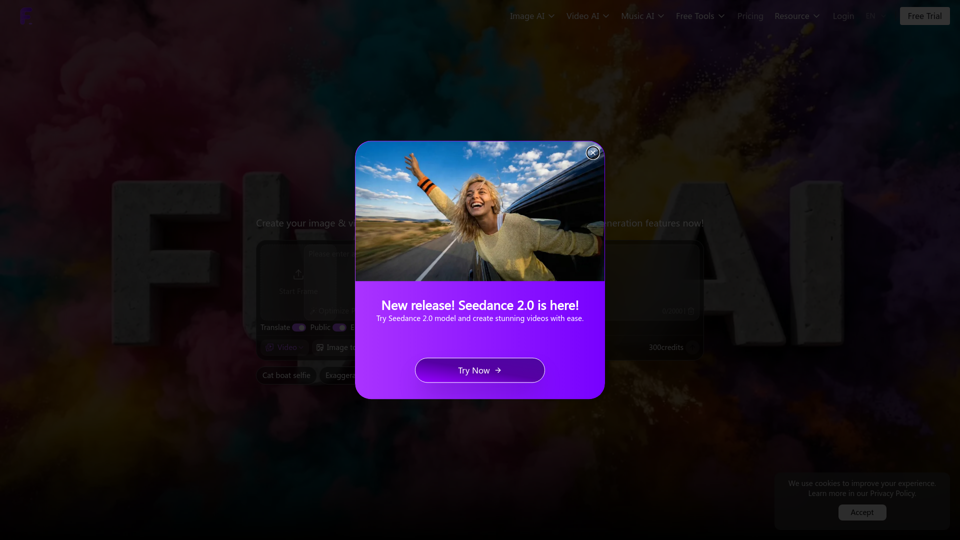
    Flyne AI

    Flyne AI - AI Content Creation Platform for Social Media Management & Brand Voice Consistency

    --
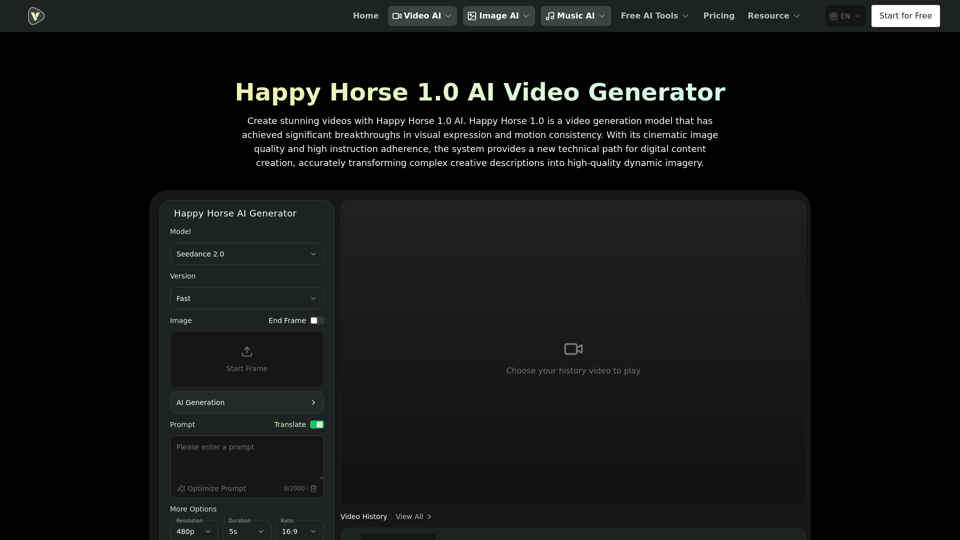
    Happy Horse 1.0 AI

    Happy Horse 1.0 AI - Free AI Video Generator

    --
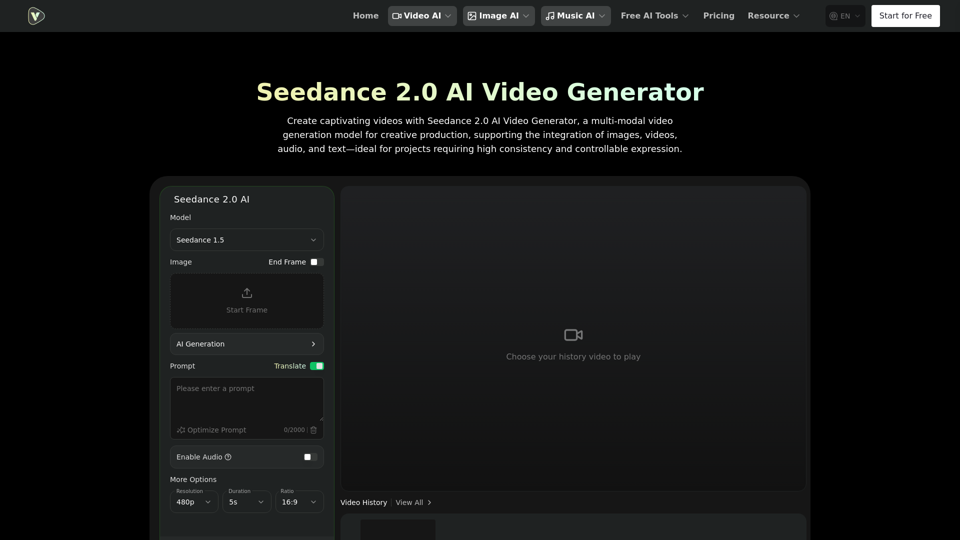
    Seedance 2.0 Video AI

    Seedance 2.0 Video AI - Free #1 AI Video Generator by Bytedance - Videoweb AI Video Platform

    --
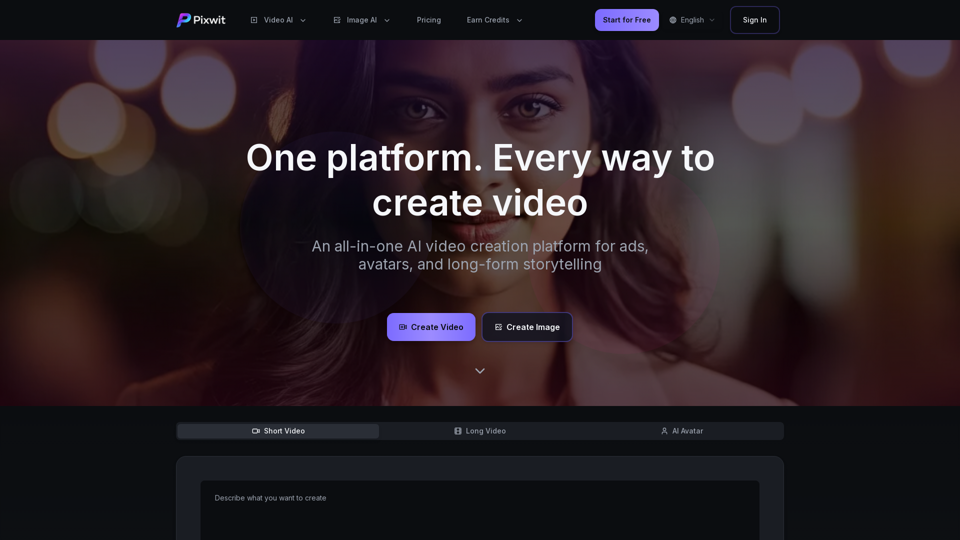
    Pixwit

    Pixwit - AI Marketing Automation Platform & Video Generator

    --
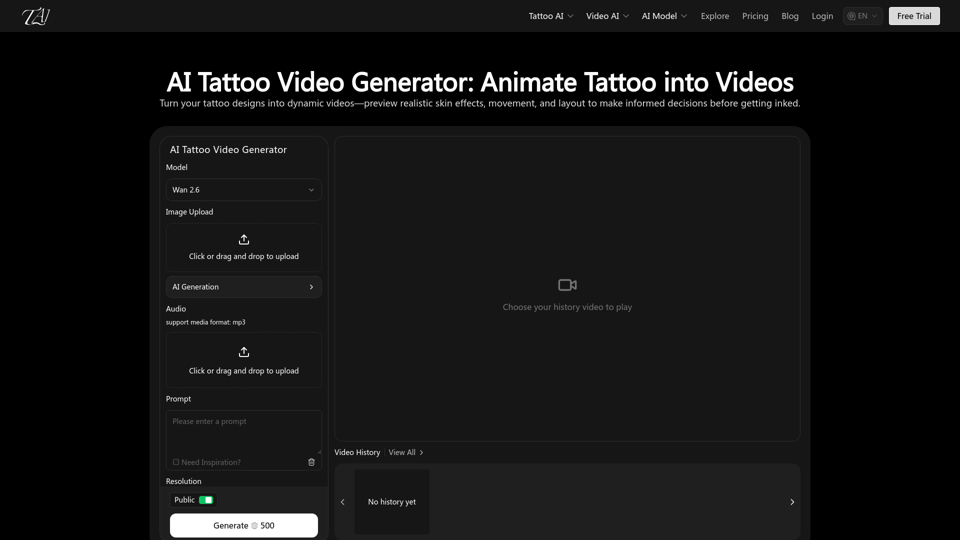
    AI Tattoo Video Generator

    AI Tattoo Video Generator - Free AI Tattoo Design & Creator with TattooAI

    --
    AI UGC Maker

    AI UGC Maker - #1 AI UGC Video & Image Ad Generator for User-Generated Content

    --
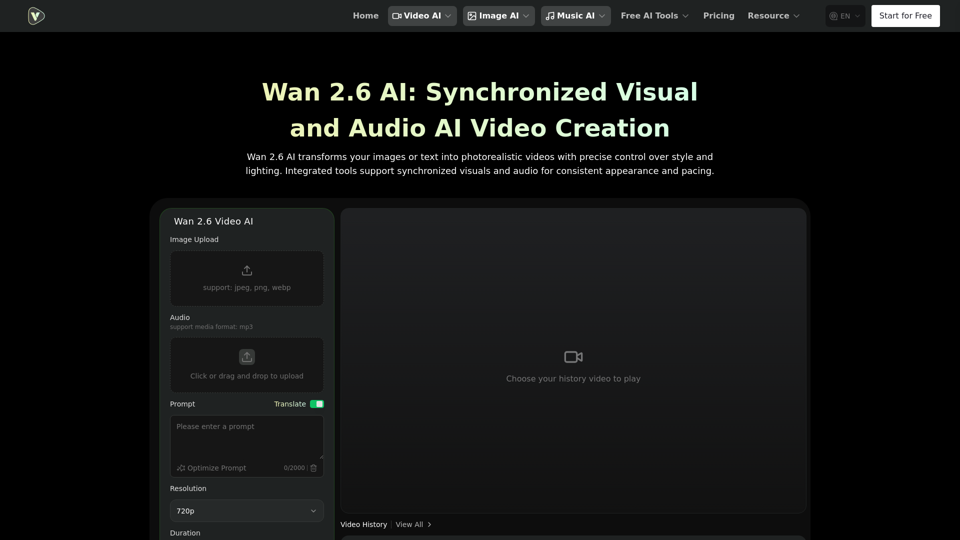
    Wan 2.6 AI Video Generator

    Wan 2.6 AI Video Generator - Free AI Video Creation with Audio by Videoweb

    --
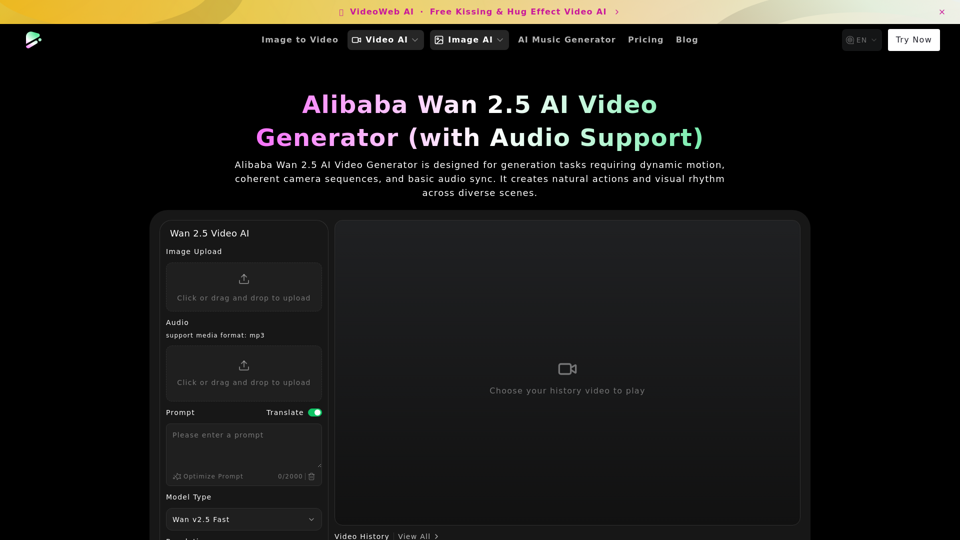
    Google Veo 3.1 AI

    Google Veo 3.1 AI - Dreammachineai: Advanced AI Video Generation with Free Wan 2.5 AI Tools

    --
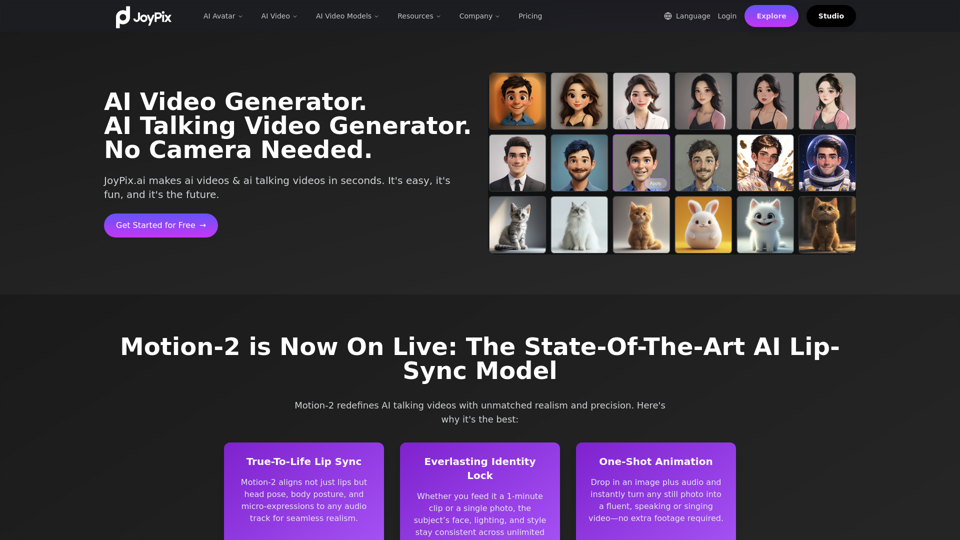
    JoyPix AI

    JoyPix AI - AI Photo Editor & Image Enhancer for AI Photo Editing Tools

    --
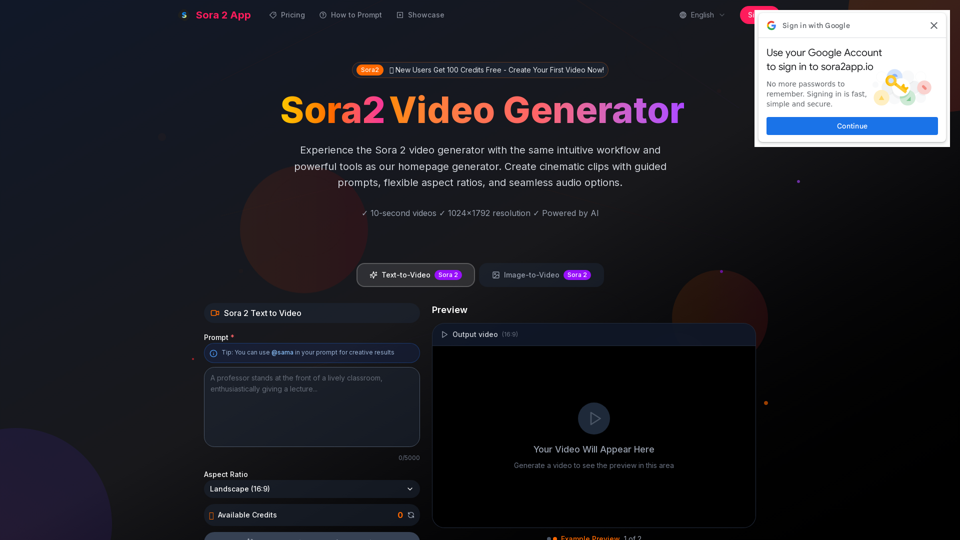
    Sora 2 App

    Sora 2 App - AI Video Generator: Create AI Videos with Sora2app Text-to-Video Creation

    --
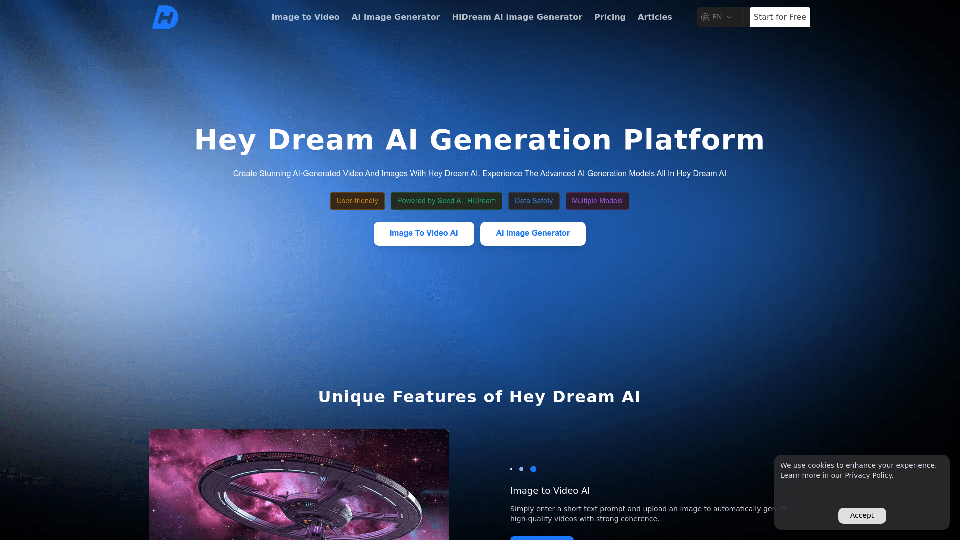
    Hey Dream AI

    Hey Dream AI - Free AI Art Generator & Image Creator for Dream Art & AI Photos

    --
    Ideart AI

    Ideart AI - AI Art Generator & Creative AI Tools for Image Generation

    --
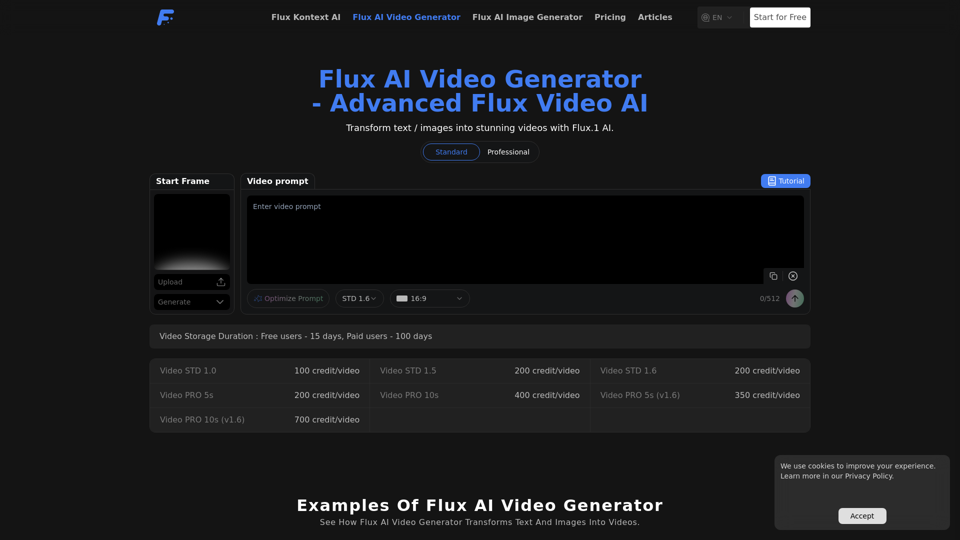
    Flux Text to Video

    Flux Text to Video - Free AI Video Generation & Creator

    --
    FramePack

    FramePack - Advanced AI Video Generation Framework

    --
    Mango AI Video Generator

    Mango AI Video Generator - Transform Text to Video with Mangoanimate's AI-Powered Animation Tool

    --
    Related Categories Video-AI Animated Video

    What's AI Animation?

    AI animation refers to the use of artificial intelligence technologies to create animated content. This innovative approach leverages machine learning algorithms to automate and enhance the animation process, making it faster and more efficient. AI animation is widely used across various industries, including entertainment, education, and marketing, to produce high-quality animated videos with minimal manual intervention.

    Benefits of AI Animation

    AI animation offers numerous advantages, making it a popular choice for content creators and businesses alike. Here are some key benefits:

    • Efficiency: Automates repetitive tasks, significantly reducing the time required to create animations.
    • Cost-Effective: Lowers production costs by minimizing the need for extensive manual labor.
    • Consistency: Ensures uniformity in animation styles and quality across different projects.
    • Scalability: Easily adapts to large-scale projects, allowing for the creation of multiple animations simultaneously.
    • Innovation: Enables the exploration of new creative possibilities with AI-driven techniques.

    How to Use AI Animation Tools

    Using AI animation tools can streamline your video creation process. Here’s a step-by-step guide on how to get started:

    Step 1: Choose the Right Tool

    Select an AI animation tool that fits your needs. Consider factors such as features, ease of use, and pricing. Popular options include Animaker, Steve AI, and others.

    Step 2: Input Your Content

    Prepare the content you want to animate. This could be a script, storyboard, or audio file. Most AI animation tools allow you to upload text, images, or voiceovers.

    Step 3: Customize Your Animation

    Use the tool's features to customize your animation. This may include selecting characters, backgrounds, and motion styles. Adjust elements to align with your creative vision.

    Step 4: Generate and Edit

    Let the AI tool generate the animation. Review the output and make any necessary edits to ensure it meets your expectations. Most tools offer intuitive editing interfaces for fine-tuning.

    Step 5: Export and Share

    Once satisfied with your animation, export it in your desired format. Share your animated video across platforms like social media, websites, or presentations to reach your audience.

    By following these steps, you can effectively harness the power of AI animation tools to create engaging and professional-quality animated content.