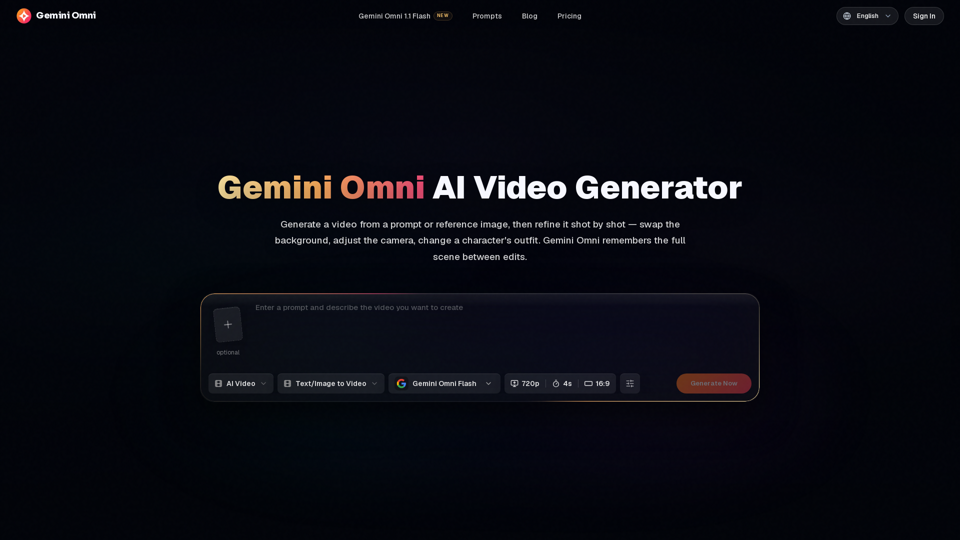
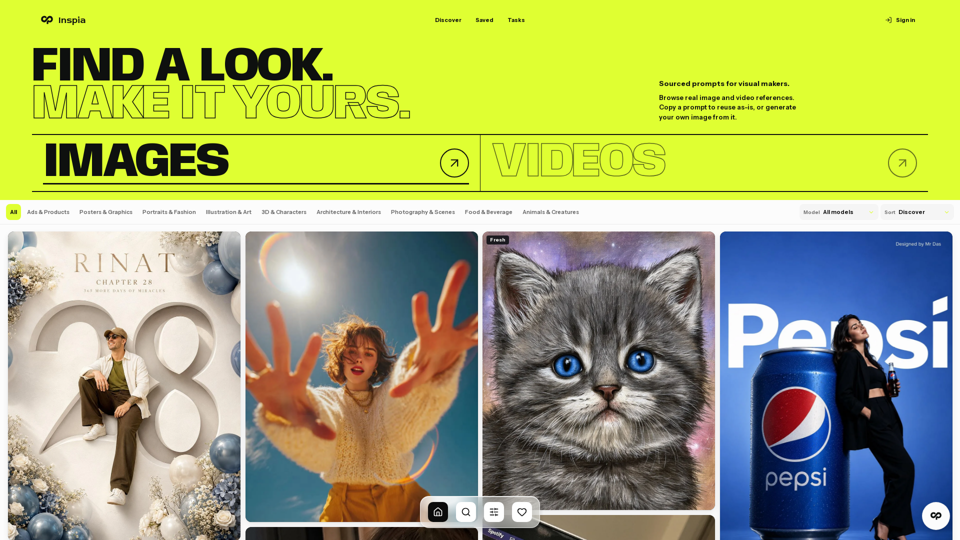
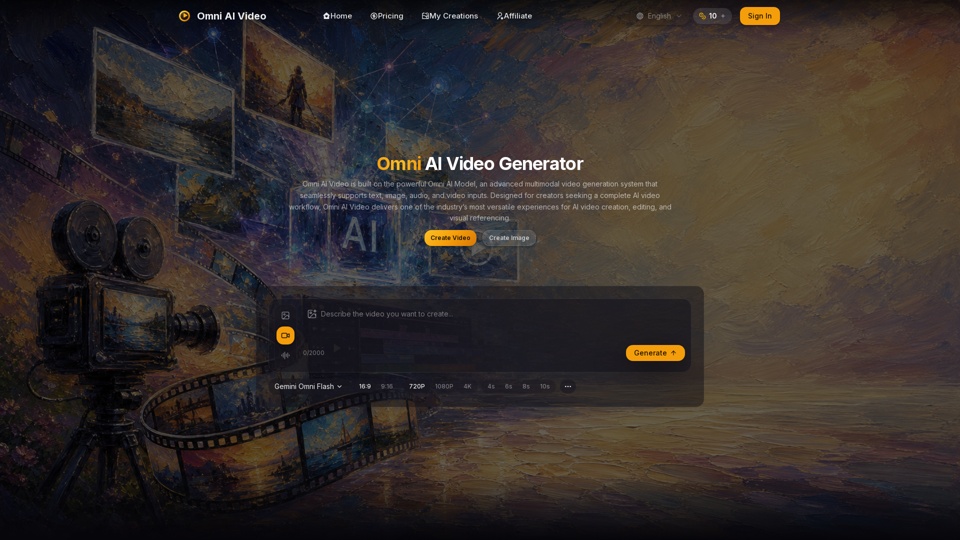
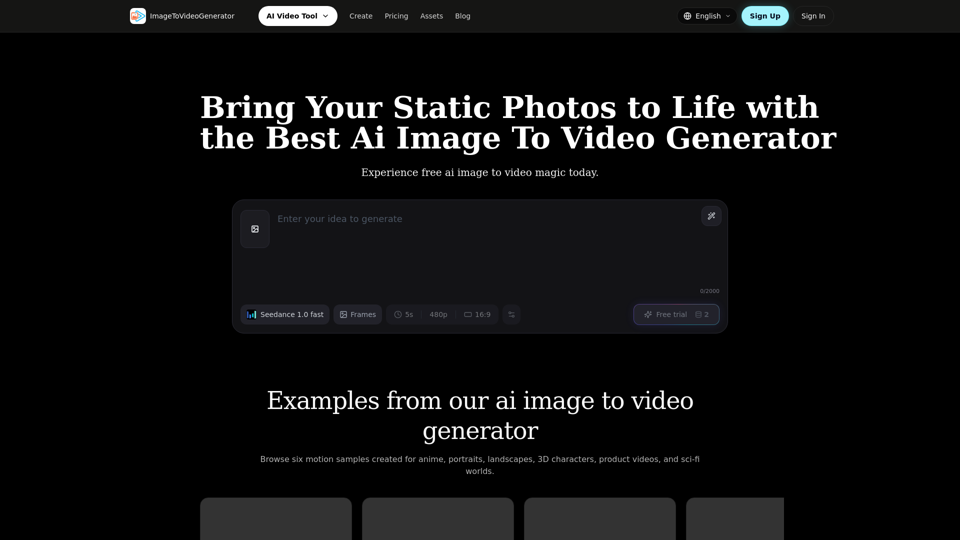
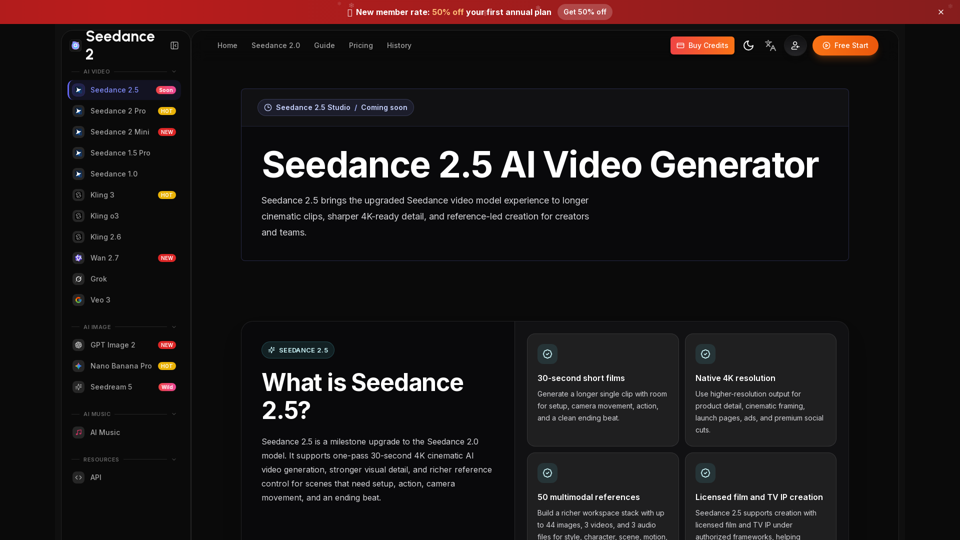
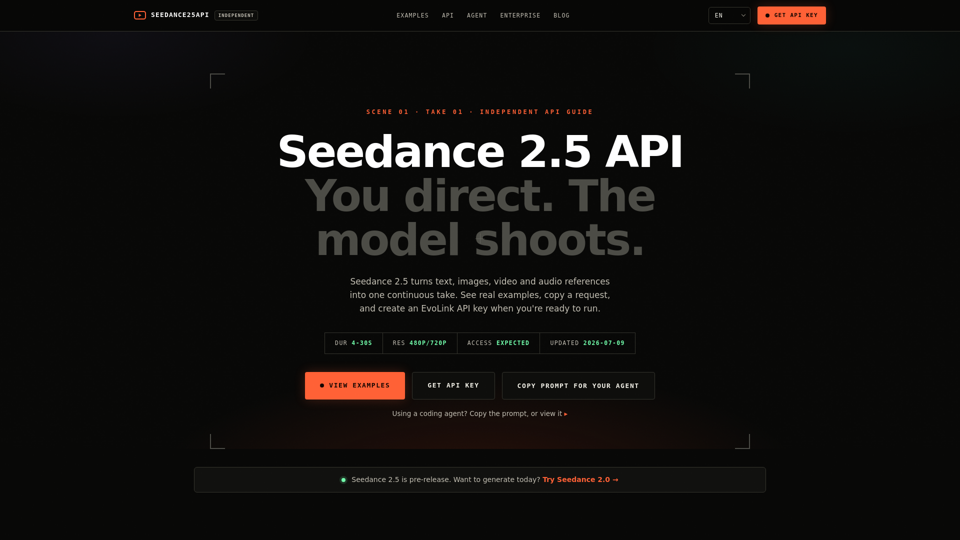
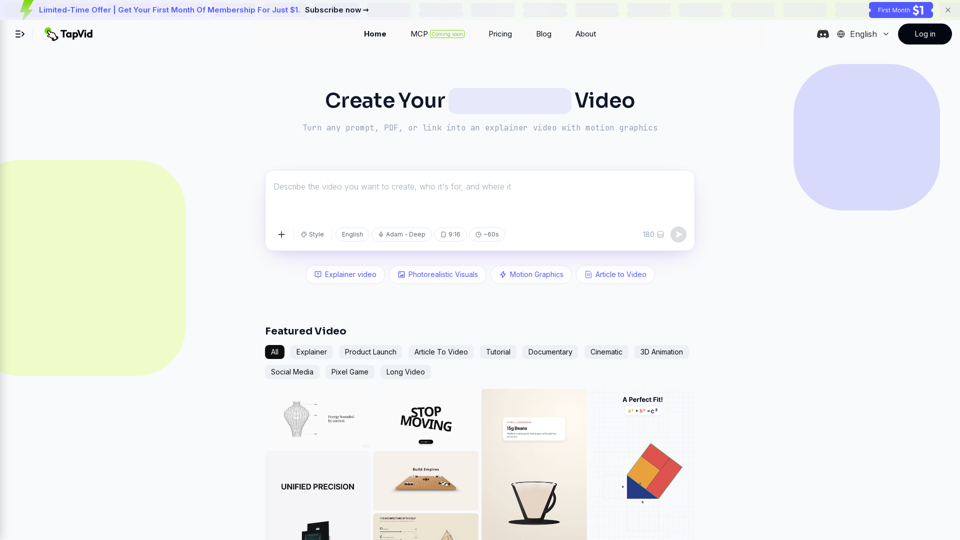
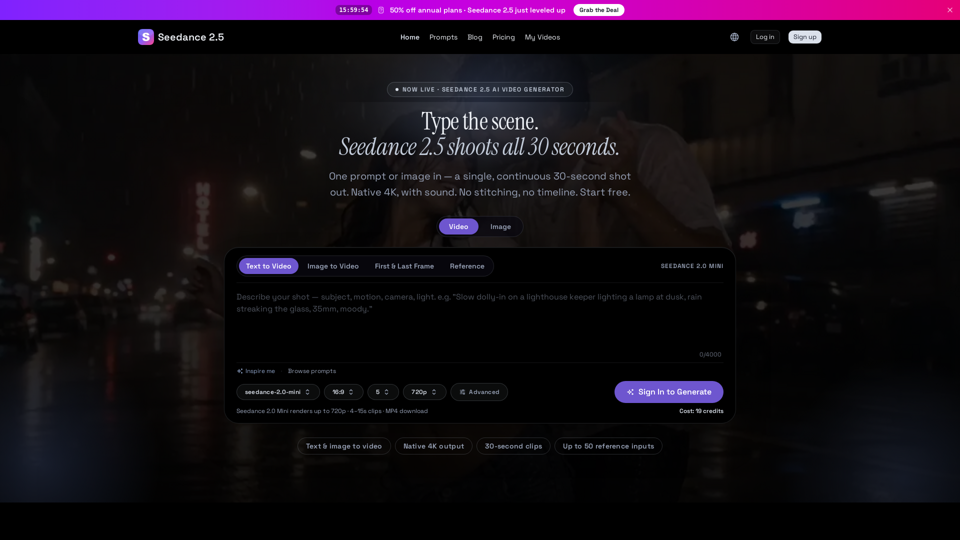
Video-Text to Video

Medeo AI And 53 other AI Tools For Text to Video

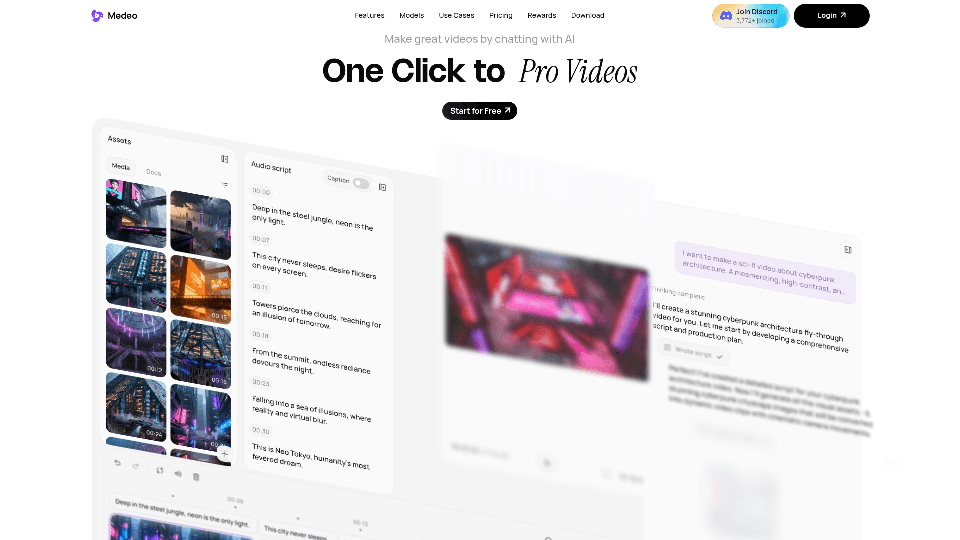
Medeo AI

Medeo AI - Leading Telemedicine Platform for Virtual Healthcare and Remote Patient Monitoring

--
Pexo

Pexo - AI Automation and Workflow Optimization for Business Intelligence and Digital Transformation

--
Image to Video AI

Image to Video AI - Best AI Video Generator to Convert Image to Video Online

--
Image to Video AI

Image to Video AI - Best AI Video Generator to Convert Image to Video and Create AI Animations

--
Omni Flash

Omni Flash - AI Productivity Tools & Automated Workflow Software for Intelligent Task Management

--
Omni Flash AI

Omni Flash AI - AI Content Generator, Writing Assistant, SEO Tools & Content Platform

--
MusVideo

MusVideo - AI Music to Video Generator | Create Cinematic Music Videos with AI

--
Vidoly AI Image & Video Generator

Vidoly AI Image & Video Generator - AI Video, Text to Image, Generative AI Content Creation Tool

--
MojoMake AI Video & Image Studio

MojoMake AI Video & Image Studio - Generative AI Platform for Video & Image Creation

--
Veo 4

Veo 4 - Free AI Video Generator: 4K Cinematic Clips

--
A2E Free and Uncensored AI Videos

A2E Free and Uncensored AI Videos - Generate Uncensored AI Content with Our Free AI Video Creator Platform

--
See Video AI

See Video AI - SeeVido AI: Free AI Video Platform & Generator, Text to Video AI for Stunning Automated Video Production with Seedance 2.0 AI

--
Crevid AI

Crevid AI - AI Video & Image Generator: All-in-One Content Creation Platform

--
Seedance 2.0 Text to Video API

Seedance 2.0 Text to Video API - Flaq AI's Stable & Affordable Text to Video Generator & AI Video Creation API with Sound

--
Flyne AI

Flyne AI - AI Content Creation Platform for Social Media Management & Brand Voice Consistency

--
Happy Horse 1.0 AI

Happy Horse 1.0 AI - Free AI Video Generator

--
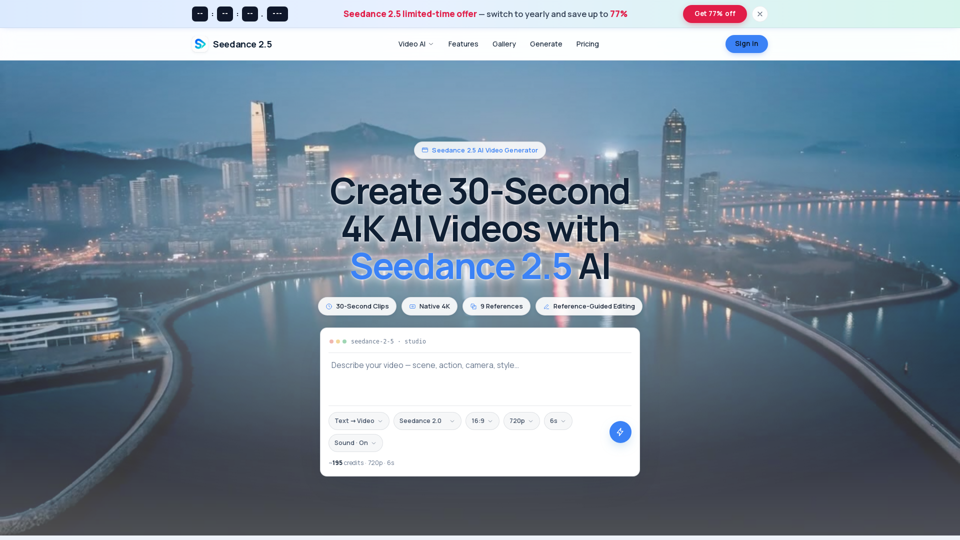
Seedance 2.0 AI

Seedance 2.0 AI - AI Video Generator: Create Cinematic AI Dance & Choreography Videos from Text & Image

--
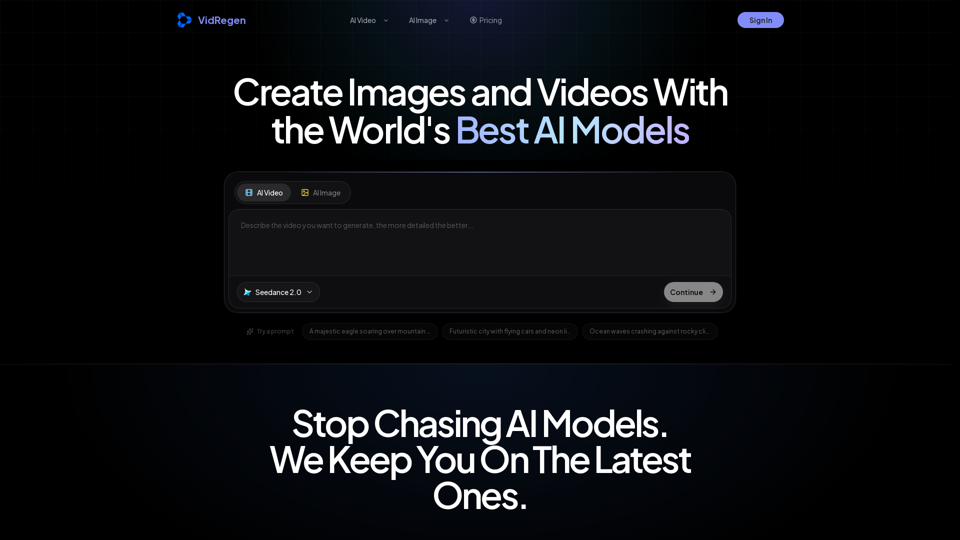
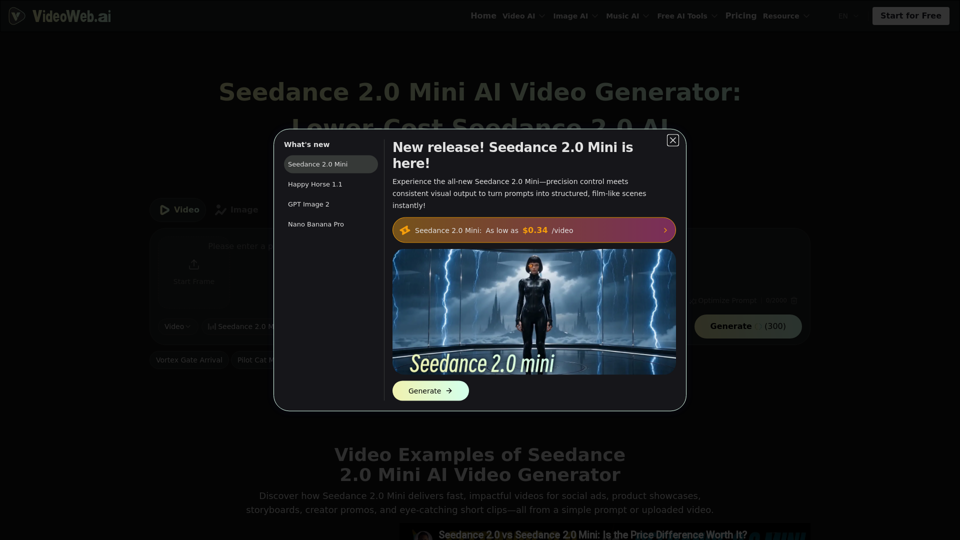
Seedance 2.0 Video AI

Seedance 2.0 Video AI - Free #1 AI Video Generator by Bytedance - Videoweb AI Video Platform

--
Pixwit

Pixwit - AI Marketing Automation Platform & Video Generator

--
Sea Imagine AI

Sea Imagine AI - Free AI Art Generator: Image & Video Creation with Artificial Intelligence

--
Related Categories Video-Text to Video

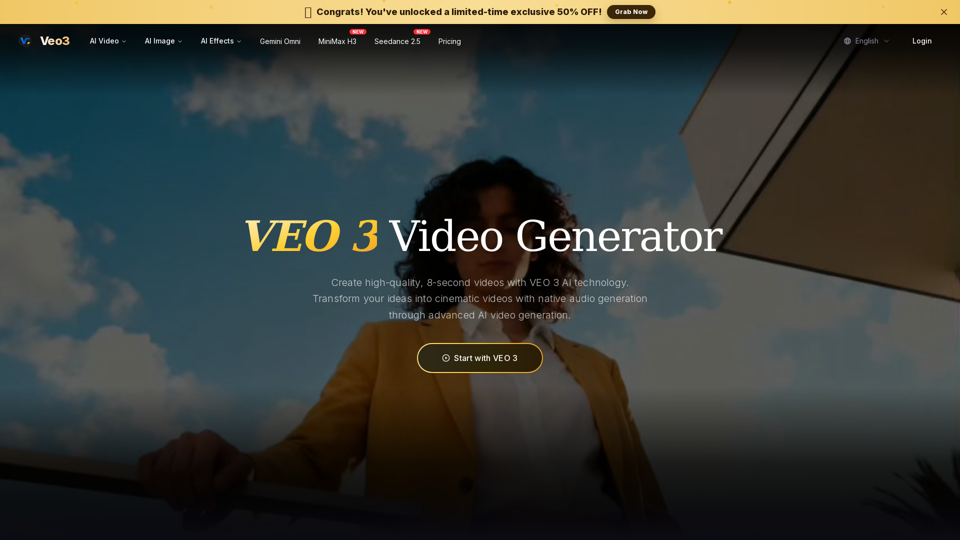
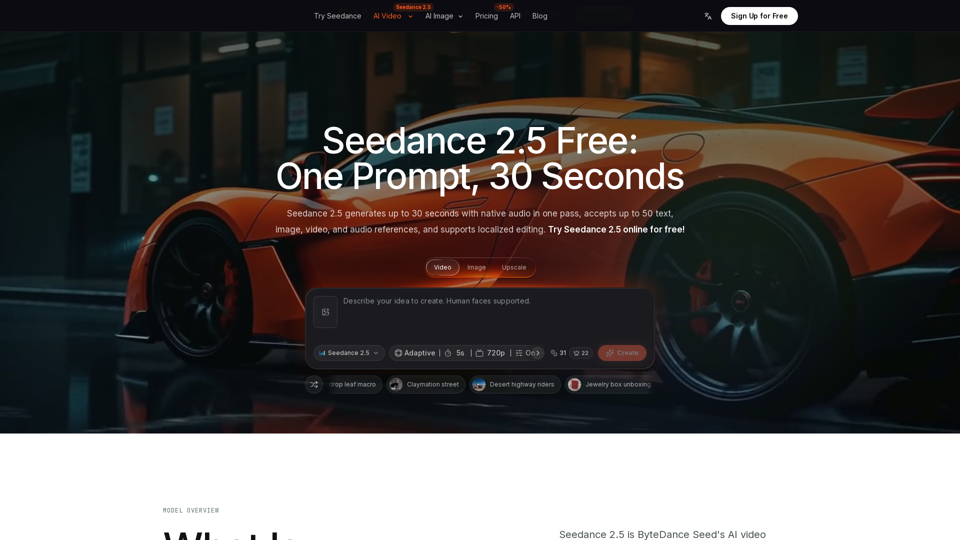
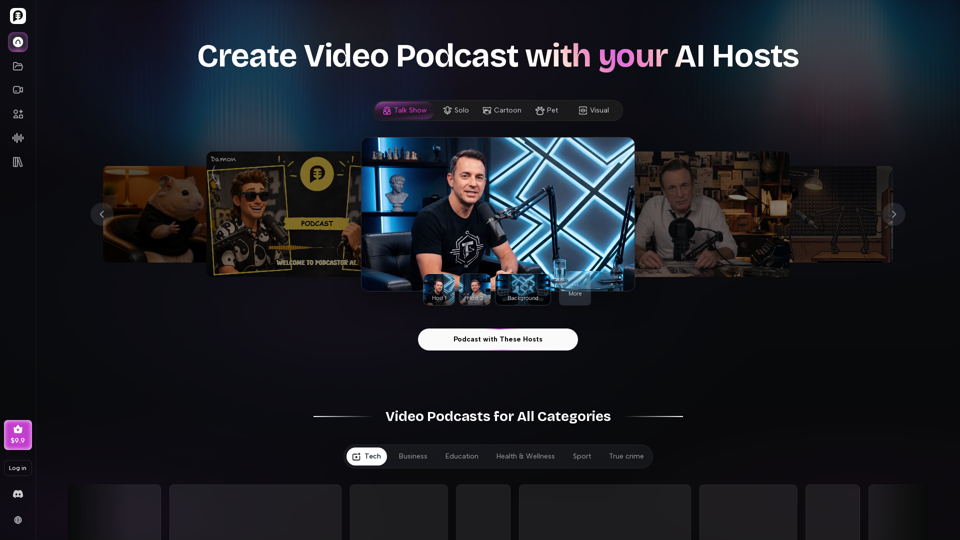
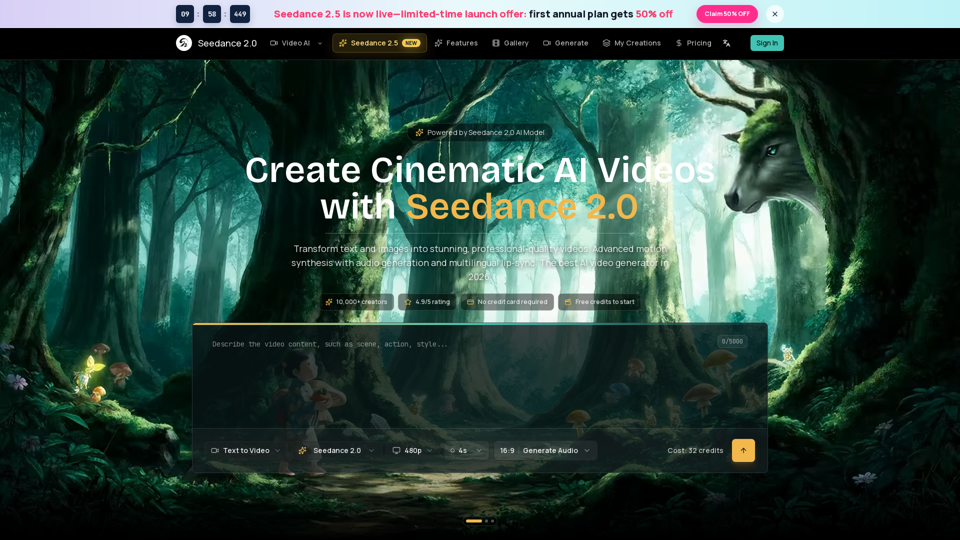
What's AI Video Generator?

An AI Video Generator is a software tool that leverages artificial intelligence to transform text, script, or audio inputs into video content. These tools automate the video creation process, making it accessible to users without professional video editing skills. AI video generators can integrate features like AI avatars, voiceovers, and animations to produce engaging and professional-looking videos.

Benefits of AI Video Generator

Using an AI Video Generator offers numerous advantages:

  • Time Efficiency: Quickly create videos without the need for extensive editing or filming.
  • Cost-Effective: Reduces the need for expensive equipment and professional editing services.
  • Scalability: Easily produce a large volume of videos for different platforms and purposes.
  • Customization: Personalize videos with custom avatars, voiceovers, and templates.
  • Multilingual Support: Generate videos in multiple languages to reach a global audience.
  • Consistency: Maintain a consistent style and branding across all video content.

How to Use AI Video Generator

Creating videos with an AI Video Generator typically involves a few straightforward steps:

Step 1: Input Your Content

  • Text or Script: Enter the text or script you want to convert into a video.
  • Audio: Upload an audio file if you prefer to start with voice content.

Step 2: Customize Your Video

  • Select a Template: Choose from a variety of pre-designed video templates.
  • Choose an Avatar: Pick an AI avatar to narrate or appear in your video.
  • Add Media: Incorporate images, video clips, and background music from the media library.

Step 3: Adjust Settings

  • Language and Voice: Select the language and voice for the voiceover.
  • Video Length and Style: Define the video length and style to suit your audience.

Step 4: Generate and Export

  • Preview: Review the video draft and make any necessary adjustments.
  • Export: Generate the final video and export it in your preferred format for sharing on social media or other platforms.

By following these steps, you can efficiently produce high-quality videos using an AI Video Generator, enhancing your content strategy and audience engagement.