What is See Video AI?
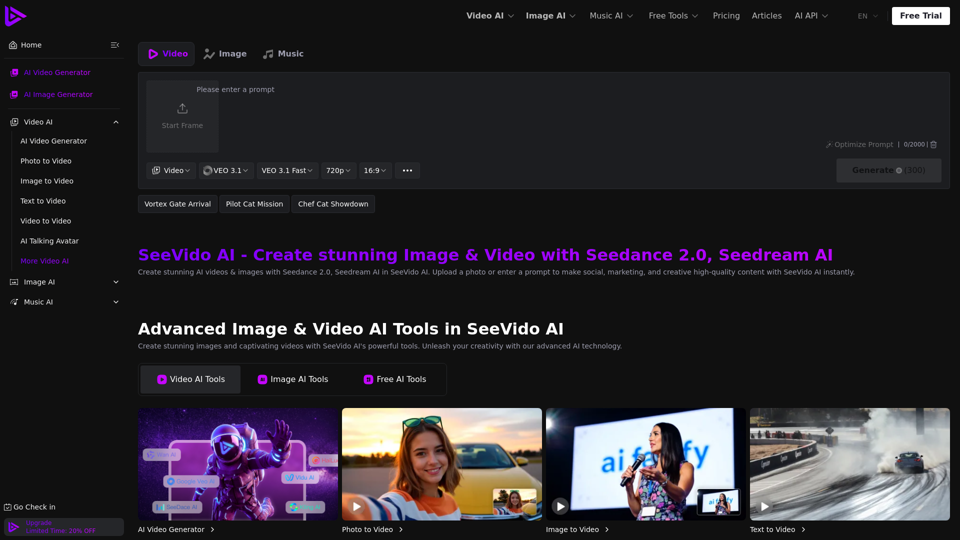
See Video AI is an advanced AI platform that allows users to create stunning videos and images from text, photos, or other videos. It leverages powerful AI models like Seedance 2.0 and Seedream AI to generate high-quality content instantly for social media, marketing, and various creative projects.
What are the main features of See Video AI?
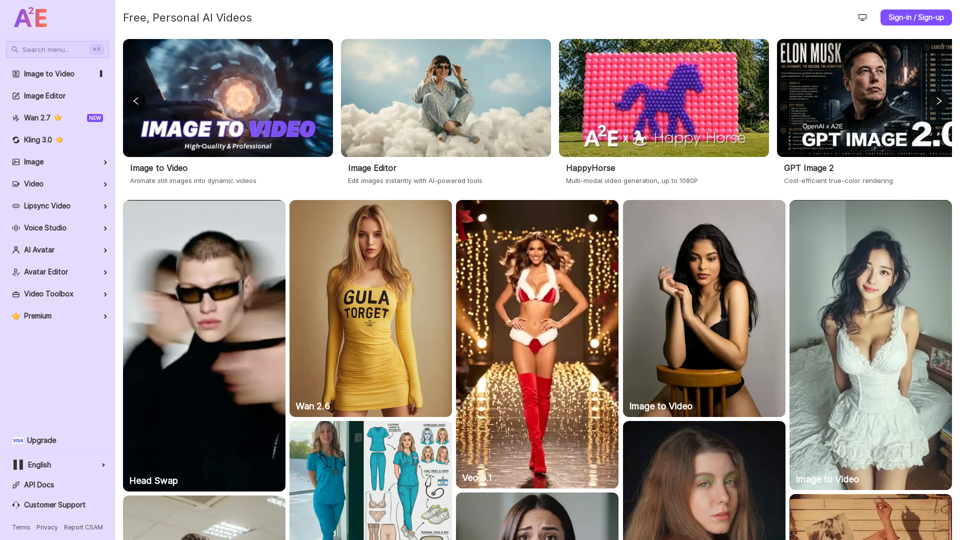
See Video AI offers a comprehensive suite of tools including an AI Video Generator (Photo to Video, Image to Video, Text to Video, Video to Video, AI Talking Avatar), an AI Image Generator (with models like GPT Image 2.0, Nano Banana 2 AI, Seedream AI), and AI Music generation (Text to Music, Image to Music). Key features of Seedance 2.0 AI include seamless photo-to-video conversion, creative possibilities for transformations, AI remaker capabilities, privacy protection, fast processing, and high-quality output.
How fast can See Video AI transform an image into a creative video?
See Video AI is designed for efficiency, processing photos in seconds and videos in minutes, guaranteeing quick and effective results for your creative projects.
How do I use See Video AI for videos?
To create videos with See Video AI, you can upload a photo, an existing video, or enter a text prompt. The platform's AI models will then generate high-quality video content based on your input.
What can I do with See Video AI for images?
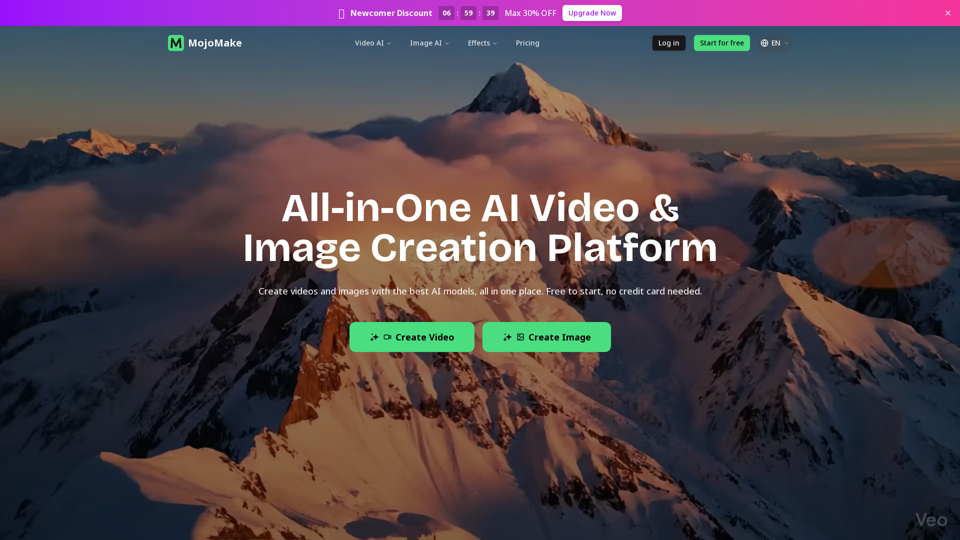
With See Video AI's image generation tools, you can create stunning images from prompts, enhance existing photos, and utilize advanced models like GPT Image 2.0, Nano Banana 2 AI, and Seedream AI for various creative applications.
How does See Video AI ensure the quality of the output?
See Video AI is committed to providing high-quality videos and images. Its advanced AI models are designed to maintain natural expressions and ensure seamless integration, resulting in professional-grade content.
What AI models does See Video AI use for video generation?
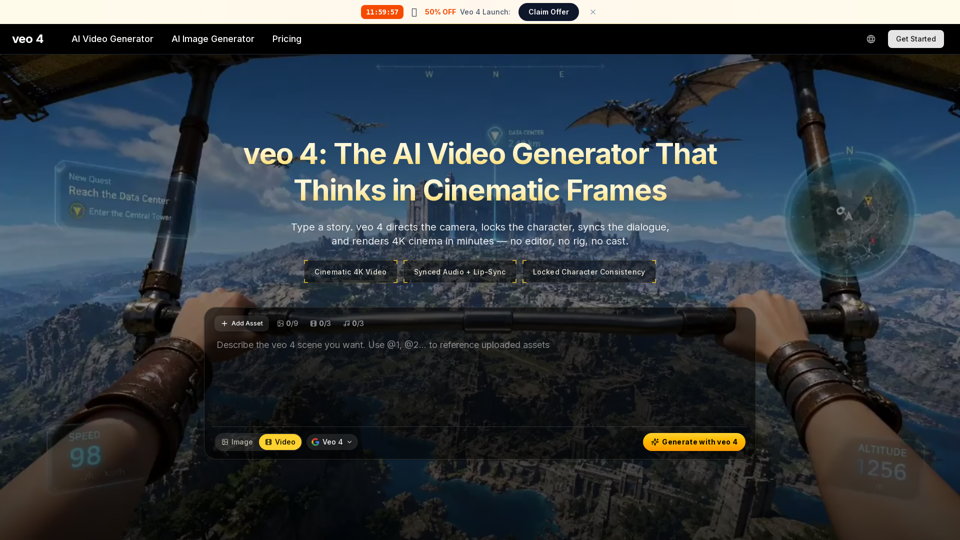
See Video AI utilizes a variety of powerful AI models for video generation, including VEO 3.1, Happy Horse 1.0, Kling 3.0, Wan 2.6, Wan 2.5, Kling 2.5 Turbo, Vidu Q3, Hailuo 2.3, Hailuo 2.0, and Seedance 2.0.
Is See Video AI safe to use?
Yes, See Video AI prioritizes user privacy and safety. Uploaded photos are deleted within 24 hours to protect your personal data.
What input and output formats does See Video AI support?
See Video AI supports various media formats for both input (photos, text, videos) and output, allowing for flexible creation across a wide range of creative projects.
What is the pricing policy for See Video AI?
See Video AI offers a free tier with limited features and daily credits. For more extensive use, premium plans are available on a monthly or yearly basis (Common, Popular, Professional), providing more credits, premium AI features, faster generation, longer history, commercial rights, and no watermarks. One-time credit packages are also available for additional credits.
Does See Video AI offer refunds?
For information regarding refunds, please refer to See Video AI's official Refund Policy.
Is See Video AI affiliated with any AI model provider?
See Video AI integrates various advanced AI models. For specific affiliations or partnerships, please refer to their official documentation or contact their support team.