

What's an AI Photo Editor?
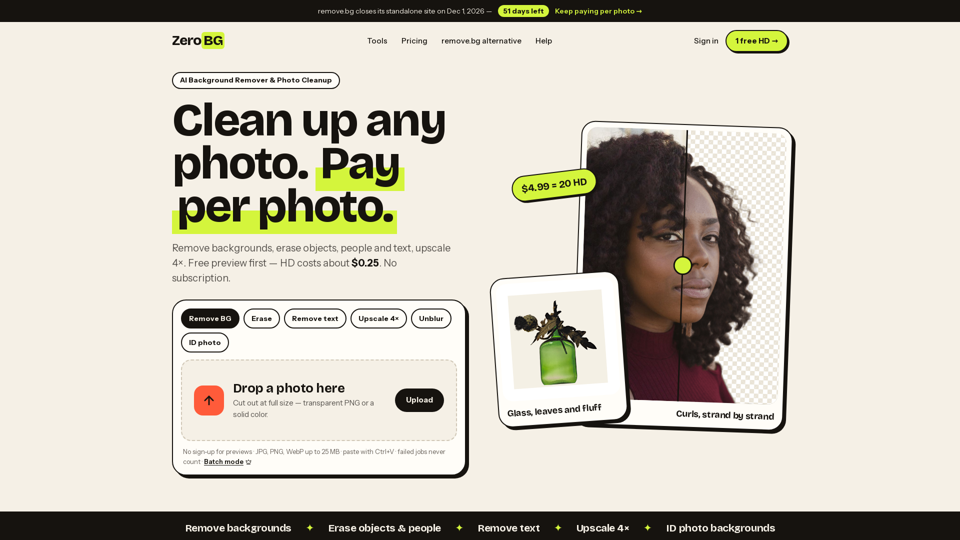
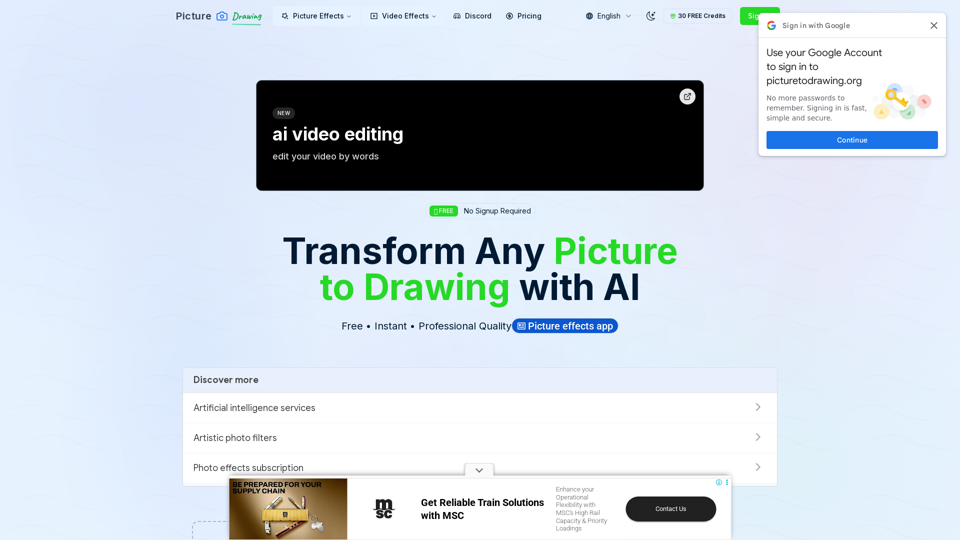
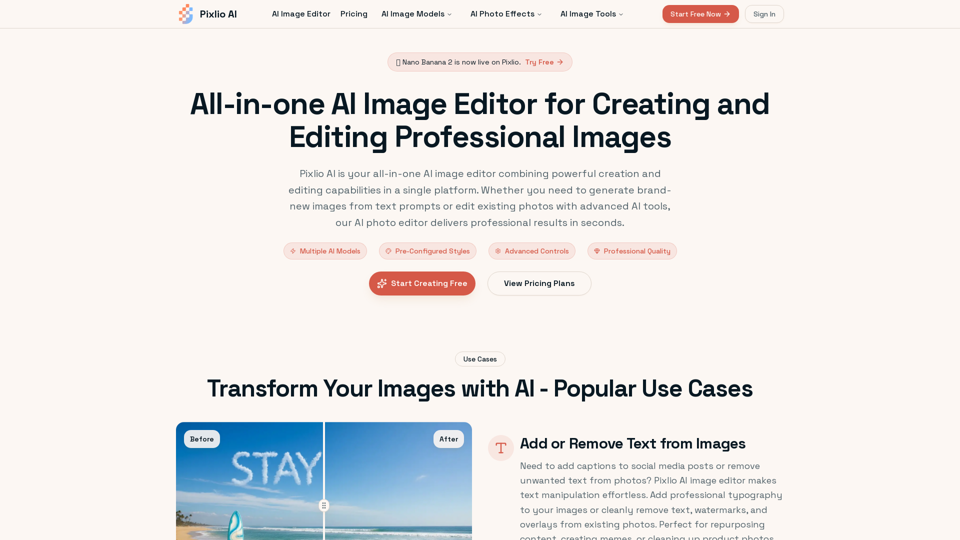
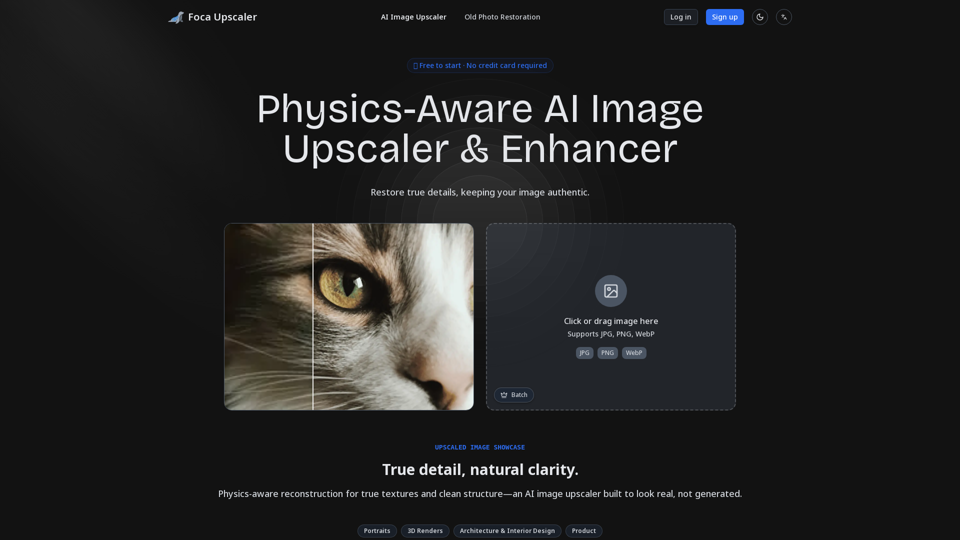
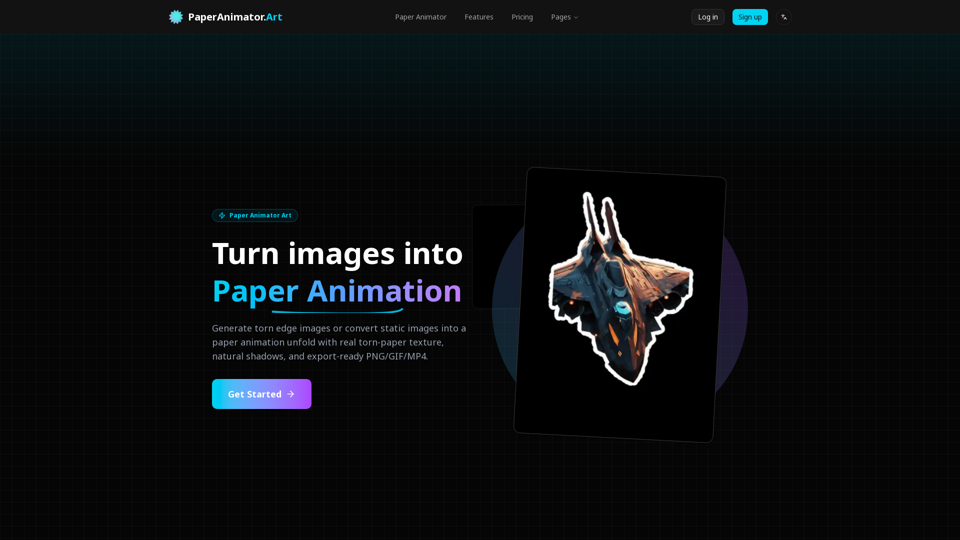
An AI photo editor is a software application that leverages artificial intelligence to enhance and manipulate images automatically. These tools analyze images and apply various editing techniques, such as improving color balance, removing unwanted objects, or upscaling image resolution, without requiring manual input from the user. AI photo editors are designed to streamline the photo editing process, making it more efficient and accessible for users of all skill levels.
Benefits of AI Photo Editors
AI photo editors offer numerous advantages that make them a valuable tool for both amateur and professional photographers:
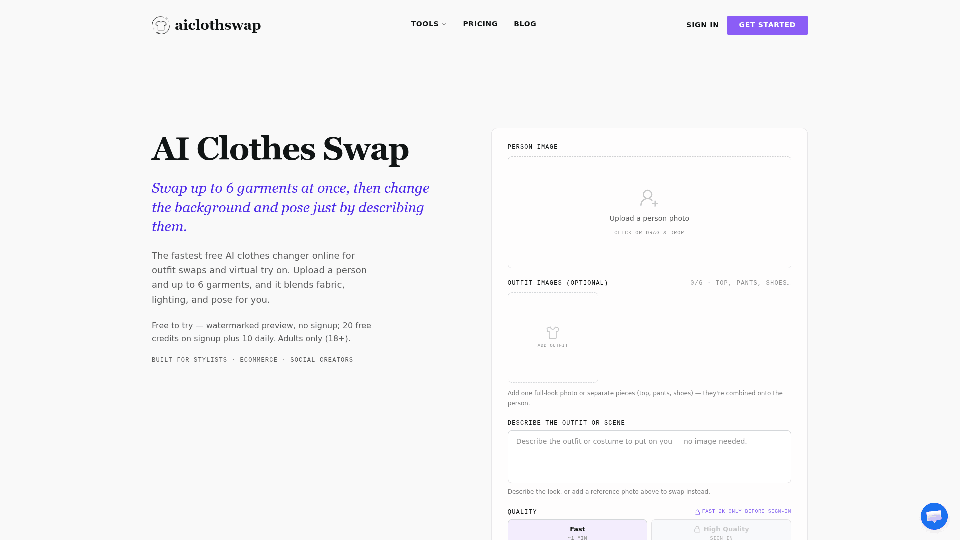
- Automation of Complex Tasks: AI can handle multistep editing tasks, such as background removal or object replacement, with minimal user intervention.
- Time Efficiency: By automating repetitive tasks, AI photo editors significantly reduce the time required for photo editing.
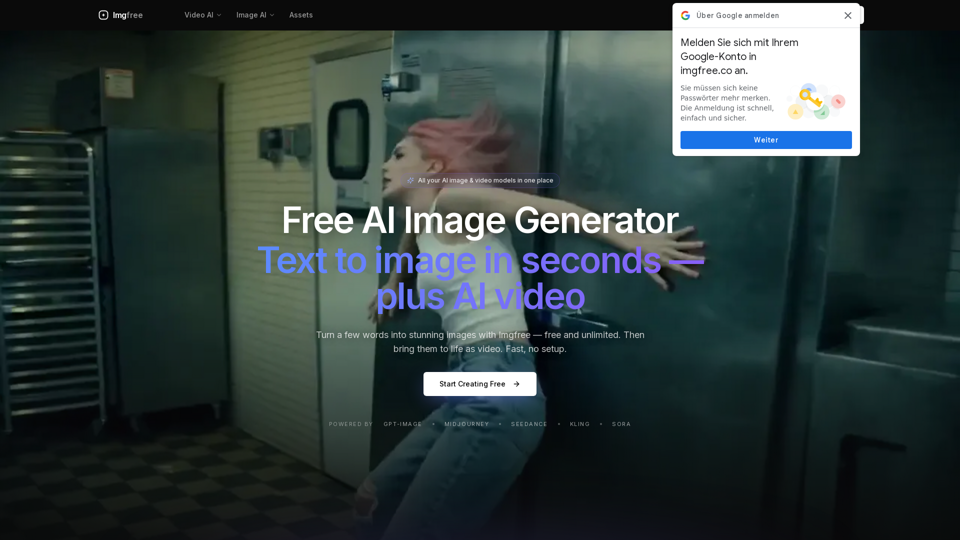
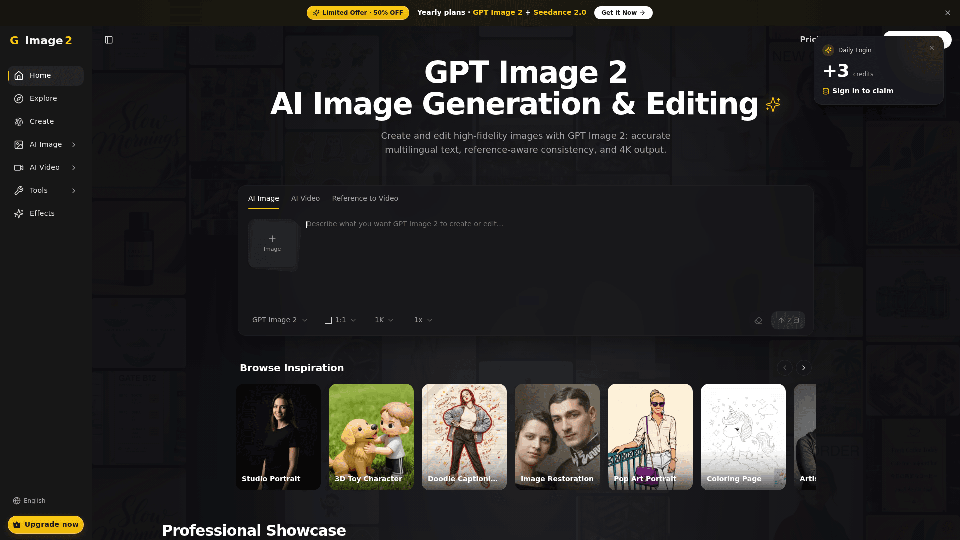
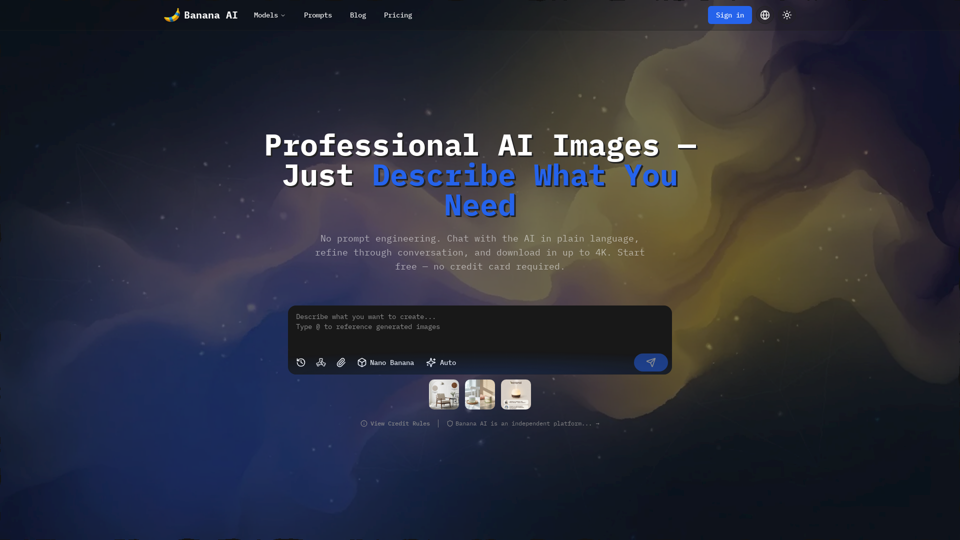
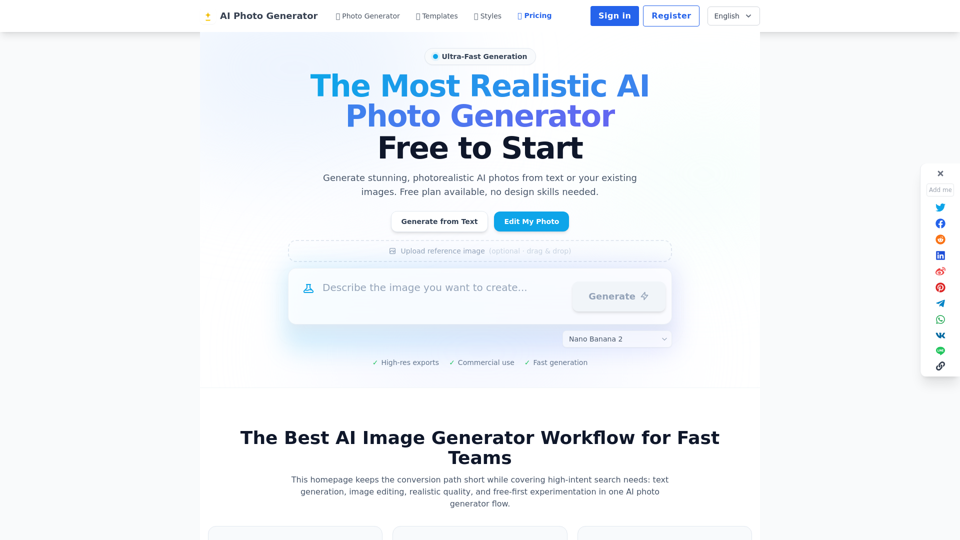
- Enhanced Creativity: Features like text-to-image generation allow users to explore creative possibilities and generate unique content effortlessly.
- Improved Image Quality: AI tools can upscale low-resolution images and enhance details, resulting in higher-quality outputs.
- User-Friendly Interface: Designed for ease of use, AI photo editors often require no prior editing experience, making them accessible to everyone.
How to Use AI Photo Editors
Using AI photo editors typically involves a few straightforward steps, allowing users to achieve professional-grade results without extensive knowledge or experience:
Open or Download the Editor
- Access the Application: Open the AI photo editor on your device. Ensure it’s updated to access the latest features.
- Trial Options: If available, start a free trial to explore the full capabilities of the editor.
Import an Image
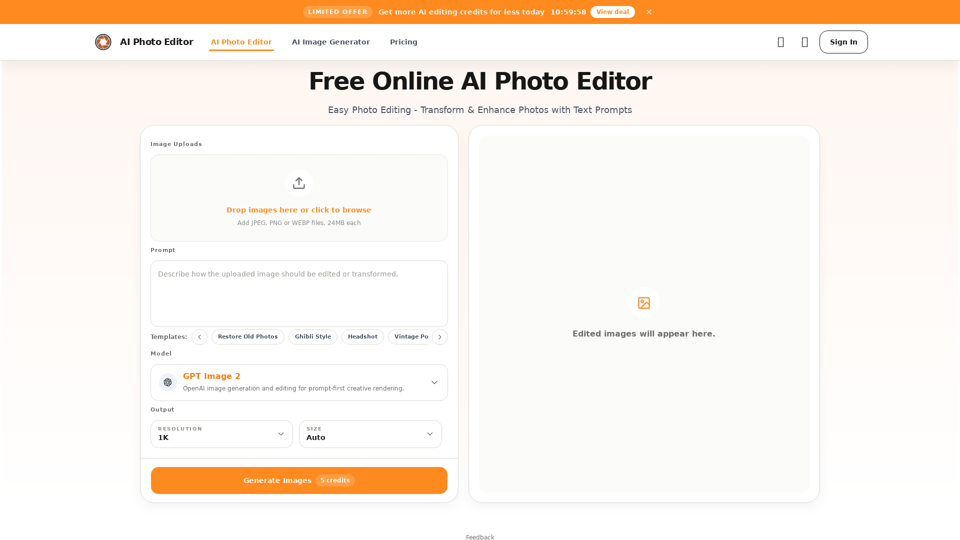
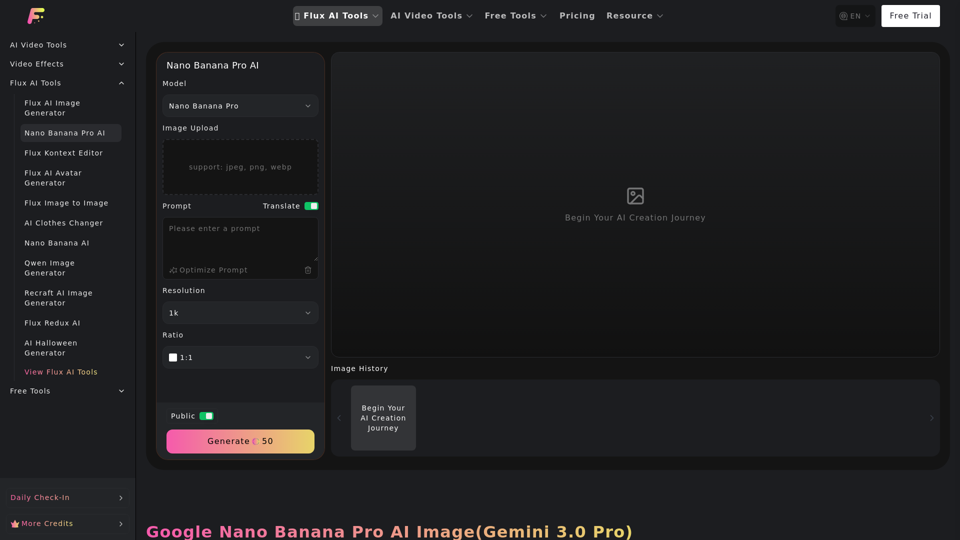
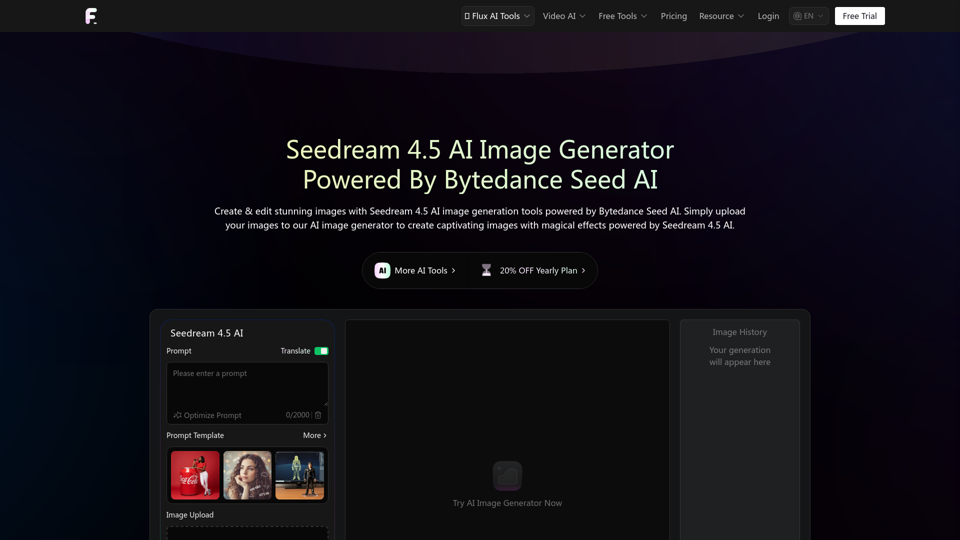
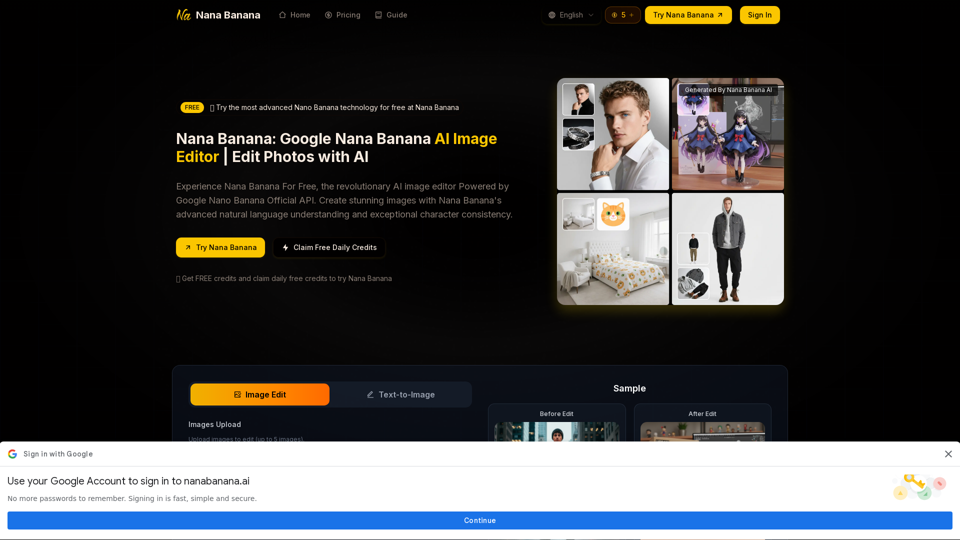
- Upload Your Image: Use the import function to upload the photo you wish to edit. This can usually be done via a drag-and-drop interface or through a file selection menu.
Apply AI Editing Features
- Select Editing Tools: Choose from a range of AI-powered tools such as background removal, object replacement, or image upscaling.
- Use Text Prompts: Some editors allow you to input text instructions to guide the editing process, making it even more intuitive.
Customize and Finalize
- Adjust Settings: Use sliders and other controls to fine-tune the editing effects according to your preferences.
- Preview Changes: Before finalizing, preview the edits to ensure the desired outcome.
Export and Share
- Save Your Work: Once satisfied with the edits, export the image in your preferred format and resolution.
- Share: Easily share your edited images across social media platforms or with friends and clients directly from the editor.
AI photo editors are transforming the way images are enhanced and manipulated, offering powerful tools that simplify the editing process while delivering exceptional results. Whether for personal use or professional projects, these tools provide an efficient and creative solution for all your photo editing needs.