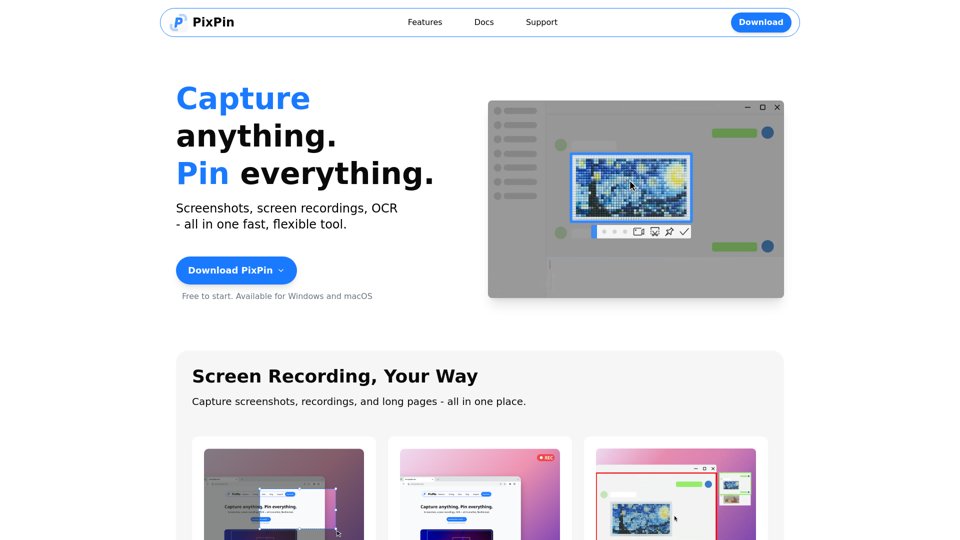
Overview
PixPin is a fast, flexible, all-in-one tool designed for capturing, recording, and extracting information from your screen. It combines powerful screenshot capabilities, screen recording, and OCR (Optical Character Recognition) into a single application, making it an essential utility for various digital tasks.
Main Purpose and Target User Group
Main Purpose
To streamline visual communication, documentation, and information extraction by providing comprehensive tools for screen capture, recording, and pinning content to the desktop. It aims to make everything on your screen part of your workflow.
Target User Group
- Designers: For pinning mockups, UI references, and annotating design feedback.
- Developers: For keeping API docs, logs, and errors on screen, and capturing bugs with screenshots or videos.
- Product Managers: For documenting user flows, feedback threads, and using long captures and OCR for organization.
- Customer Support: For recording issues step-by-step and highlighting screen areas to guide users visually.
- Writers & Researchers: For extracting quotes with OCR and pinning visual notes or references.
- Educators & Trainers: For creating annotated tutorials, demos, and explaining concepts clearly with screenshots and GIFs.
- General Users: Anyone needing efficient screenshot, screen recording, or text extraction capabilities for daily work or personal use.
Function Details and Operations
- Screenshots: Quickly capture windows, specific regions, UI elements, or full screens with smart auto-detection and flexible selection tools for pixel-perfect documentation and fast sharing.
- Recordings: Record videos or GIFs with annotations, perfect for tutorials, software demonstrations, and process documentation.
- Long Captures: Stitch together long pages, chats, or documents into a single image.
- Pin to Screen: Pin images, text, colors, and files to your screen like digital sticky notes for instant reference and creative inspiration.
- Extract Text from Image (OCR): Directly select and copy text from PixPin sticky notes or instantly extract text during screenshots. It's fast, simple, and accurate, eliminating manual retyping.
- Annotation: Annotate screenshots and pinned notes with various tools including circles, markers, sequence numbers, and mosaic blur for hiding sensitive information, enabling clear visual communication.
- Quick Pin Screenshot (PixPin Pro): A global mouse function (WIN + Drag Left Click) to quickly capture a screenshot in any software and pin it to the screen as a digital sticky note, offering effortless and immediate visual notes.
- Action Recording (PixPin Pro): Record keystrokes and mouse clicks alongside screen recordings, ideal for creating crystal-clear tutorials and detailed process documentation.
User Benefits
- Enhanced Productivity: Streamlines workflows by integrating multiple essential tools into one, reducing the need to switch between applications.
- Clear Communication: Facilitates visual explanation with powerful annotation and recording features.
- Effortless Information Extraction: Saves time and effort with accurate OCR capabilities, eliminating manual data entry.
- Instant Reference: Keeps important information readily accessible on your screen with the "Pin to Screen" feature.
- Versatility: Caters to a wide range of professional and personal needs, from design and development to customer support and education.
- User-Friendly: Designed for ease of use with smart auto-detection and flexible selection tools.
Compatibility and Integration
- Operating Systems: Available for Windows and macOS.
- Workflow Integration: Designed to seamlessly integrate into existing workflows, making "everything on your screen part of your workflow."