• Free Tools
  • Erasio

    Erasio - AI Object Eraser and Photo Editing Tool for Easy Image Cleanup

    Erasio

    Erasio -Introduction

    Erasio is an innovative platform designed to streamline your creative workflow by providing an intelligent solution for managing and refining digital assets. By leveraging advanced technology, Erasio empowers creators and businesses to optimize their visual content, ensuring that every project meets professional standards with ease and precision. Whether you are looking to enhance your design process or simplify complex editing tasks, Erasio offers the essential tools needed to elevate your output and achieve consistent, high-quality results. Experience a more efficient way to manage your creative projects and unlock your full potential with the intuitive capabilities of Erasio.

    Erasio -Features

    Overview

    Erasio is a cutting-edge AI-powered photo editing tool designed to simplify the process of image cleanup. By leveraging advanced machine learning algorithms, Erasio allows users to effortlessly remove unwanted objects, people, text, or blemishes from their photos, ensuring professional-grade results in seconds.

    Function Details and Operations

    • AI-Powered Object Removal: Automatically detects and erases unwanted elements from any image.
    • Intelligent Inpainting: Fills in the background gaps left by removed objects with high precision, maintaining texture and lighting consistency.
    • Precision Brush Tool: Allows users to manually highlight specific areas for removal, ensuring control over complex edits.
    • Batch Processing: Enables the cleanup of multiple images simultaneously for increased productivity.
    • High-Resolution Export: Maintains the original image quality, ensuring that edited photos remain crisp and clear.

    User Benefits

    • Time Efficiency: Reduces editing time from minutes to seconds through automated AI processing.
    • Ease of Use: Features an intuitive interface that requires no prior graphic design experience.
    • Professional Quality: Delivers clean, natural-looking results that look like they were edited by a professional.
    • Cost-Effective: Eliminates the need for expensive, subscription-heavy professional editing suites.

    Compatibility and Integration

    Erasio is a web-based platform, making it fully compatible with all modern web browsers across Windows, macOS, Linux, iOS, and Android devices. It requires no software installation, allowing users to edit photos directly from their browser.

    Access and Activation Method

    Users can access the tool by visiting the official website at https://erasio.app. To begin, simply upload your image, use the brush tool to select the object you wish to remove, and click the process button. The platform offers a user-friendly experience where you can download your edited image immediately after the AI completes the cleanup.
    Erasio -Frequently Asked Questions

    How does Erasio use AI for content removal?

    Erasio utilizes advanced AI algorithms to analyze your images and intelligently remove unwanted objects, people, or text. By scanning the surrounding pixels, the tool seamlessly fills in the background, providing a clean, professional result without leaving any trace of the original object.

    What kind of images can I edit with Erasio?

    Erasio is a versatile photo editing tool designed to handle various types of images. Whether you need to remove distractions from travel photos, clean up product images for e-commerce, or erase unwanted text from graphics, Erasio’s object eraser technology ensures high-quality image cleanup for all your needs.

    Is Erasio easy to use for beginners?

    Yes, Erasio is designed with a user-friendly interface that makes AI content removal accessible to everyone. You don't need professional editing skills; simply upload your photo, highlight the object you want to remove, and let the AI handle the rest in seconds.

    How can I contact Erasio customer support?

    If you have any questions or need assistance with your account, you can reach out to the Erasio support team at: [email protected].

    Erasio -Data Analysis

    Latest Traffic Information

    • Monthly Visits

      -

    • Bounce Rate

      0.00%

    • Pages Per Visit

      0.00

    • Visit Duration

      00:00:00

    • Global Rank

      -

    • Country Rank

      -

    Visits Over Time

    Traffic Sources

    • direct:
      0.00%
    • referrals:
      0.00%
    • social:
      0.00%
    • mail:
      0.00%
    • search:
      0.00%
    • paidReferrals:
      0.00%
    More data

    Erasio - Alternative

    Fotor

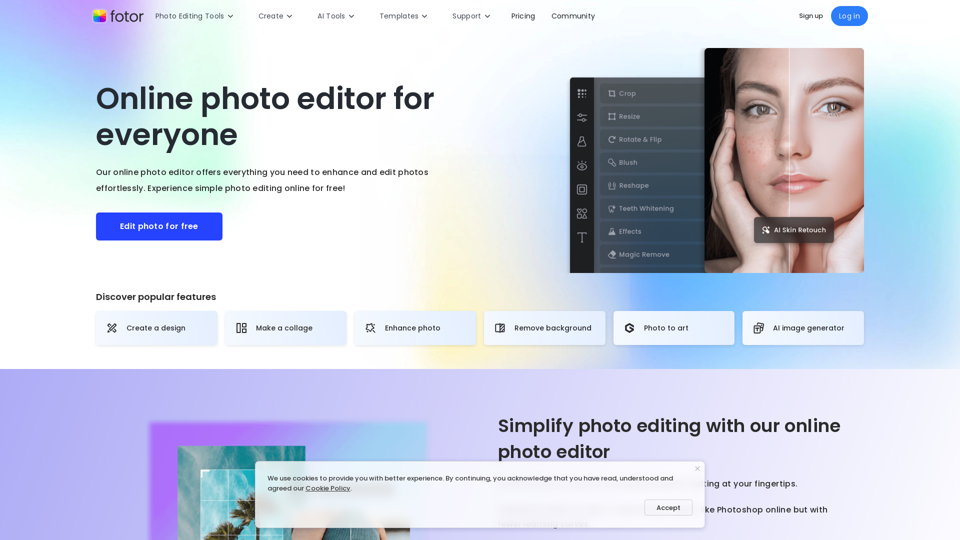
    Fotor.com: Enhance your photos with Fotor's online photo editor. Edit, crop, add text & effects, retouch images, and create collages with this powerful graphic design tool.

    --
    Freepik AI Image Generator

    Freepik.com: Discover the Freepik AI Image Generator, a powerful AI image creation tool that transforms your ideas into stunning images and illustrations in real time. Utilize Freepik's design tools and graphic design resources to enhance your creative projects. Explore our image generation software with prompt examples to inspire your creativity and streamline your design process.

    --
    Fotor

    Fotor.com: Unlock the potential of Fotor, the ultimate AI photo editing and online design tool. Enhance your images and create stunning graphics effortlessly with our advanced generative AI tools for images and videos. Experience high-quality visual production and transform your creative ideas into reality. Start using Fotor today!

    --
    PhotoRoom

    Photoroom.com: Transform your product and portrait photography effortlessly with PhotoRoom's advanced AI photo editing tools. Specializing in background removal and image enhancement, PhotoRoom allows you to easily change backgrounds and create stunning visuals directly from your phone. Elevate your images and showcase your products like a pro with our user-friendly platform.

    --
    More Tags about: Erasio