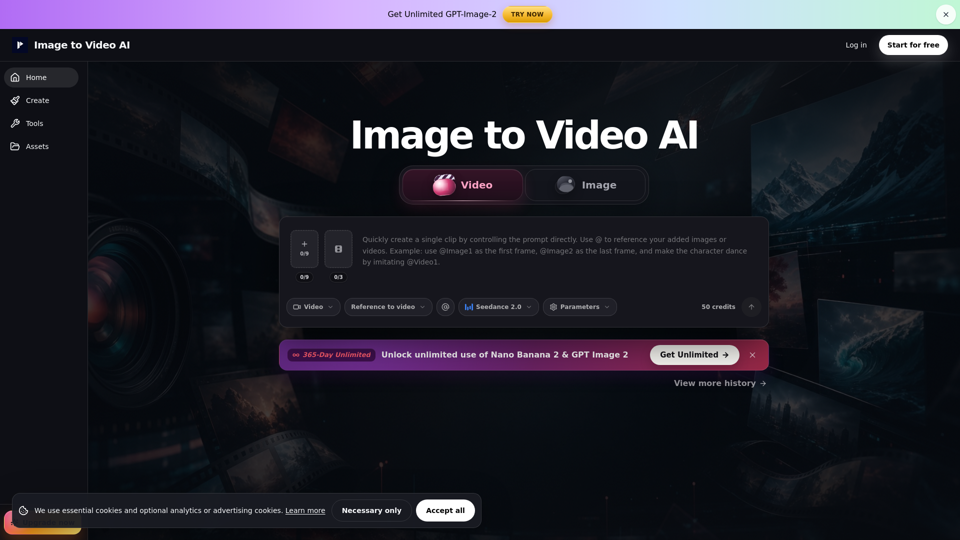
Overview
Image to Video AI is a professional-grade online workspace designed to transform static visuals into dynamic, short-form video content. By leveraging advanced AI models, the platform bridges the gap between static photography and motion graphics, allowing users to animate product shots, portraits, and digital art with precision and ease.
Main Purpose and Target User Group
The primary purpose of this tool is to provide a streamlined solution for creating high-quality motion clips for product pages, social media ads, and creative presentations. It is specifically built for marketers, social media managers, content creators, and designers who need to produce engaging visual content for platforms like Instagram Reels, TikTok, and YouTube Shorts.
Function Details and Operations
Workflow Options
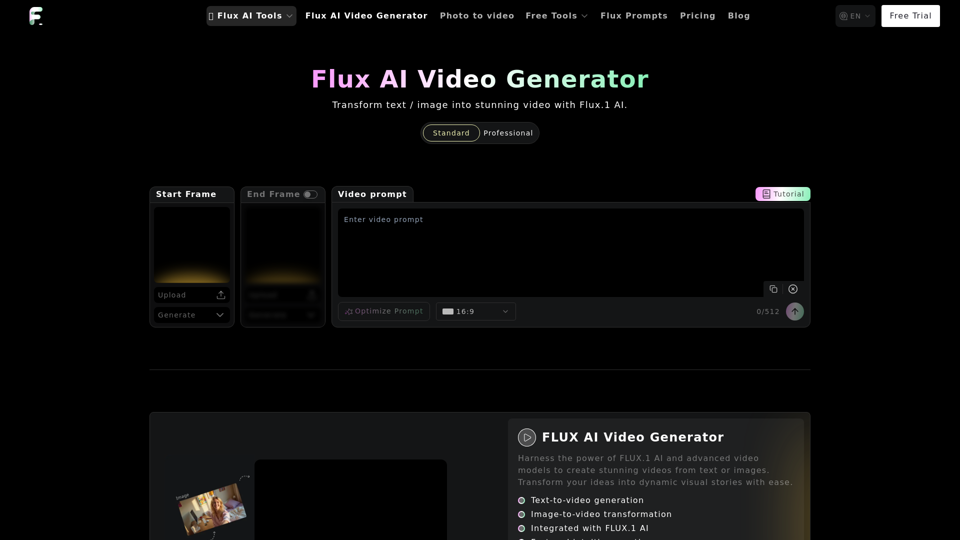
The platform offers three distinct workflows to ensure optimal control over the final output:
- Text/Image to Video: Ideal for animating a single image with quick, subtle motion.
- Frames to Video: Best for creating specific transitions, such as before-and-after reveals or packaging motion, by defining start and end frames.
- Reference to Video: Uses uploaded assets to guide style, character direction, and timing.
Operational Process
Operations follow a simple three-step process: upload your source asset, input a descriptive prompt for motion and lighting, and preview the result before final export.
User Benefits
- Efficiency: Rapidly generate motion clips for social media hooks and product demos.
- Creative Control: Choose the workflow that best matches your project needs, from simple camera pans to complex scene transitions.
- Consistency: Using a source image as a visual anchor helps maintain brand identity, product details, and facial features more effectively than text-to-video generation alone.
- Cost-Effective: Reduces the need for expensive video production equipment or professional animation teams for short-form content.
Compatibility and Integration
The platform supports standard image formats including JPG, PNG, JPEG, and WebP. It is designed as a web-based workspace, ensuring compatibility across desktop browsers for seamless integration into existing creative workflows. Users can easily export generated clips for use in external video editing software for final assembly.
Access and Activation Method
Users can access the platform by signing up at the official website. New users receive free credits to begin generating clips immediately. For power users, the platform offers paid plans that provide higher-volume usage, watermark-free exports, and enhanced privacy controls for commercial projects.