• Free Tools
  • PDF to MD

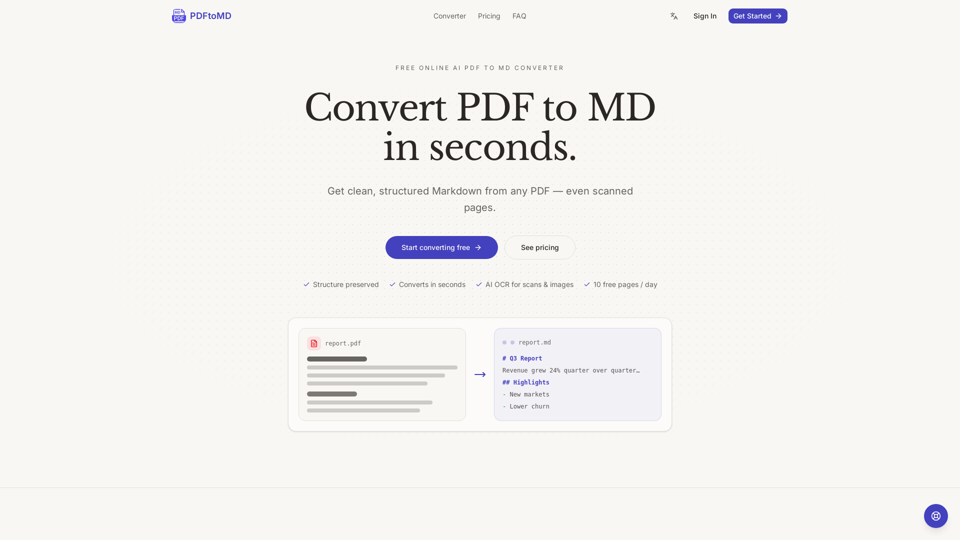
    PDF to MD - Free Online AI Converter to Convert PDF to Markdown and Extract Text

    PDF to MD

    PDF to MD -Introduction

    PDF to MD is a powerful online tool designed to transform static PDF documents into clean, structured Markdown files in seconds. By bridging the gap between fixed-layout PDFs and flexible, plain-text Markdown, the platform enables users to easily search, edit, and reuse content across popular applications like Obsidian, Notion, and various documentation workflows. Whether you are processing digital reports or scanned documents, the service utilizes advanced AI and OCR technology to ensure that headings, lists, and document structures are accurately preserved. Ideal for researchers, developers, and content creators, PDF to MD streamlines the conversion process, eliminating the need for manual cleanup and providing a seamless way to integrate PDF data into modern AI pipelines and version-control systems.

    PDF to MD -Features

    PDF to MD

    Overview

    PDF to MD is a powerful, AI-driven online document formatting tool designed to bridge the gap between static PDF files and flexible, editable Markdown. By automating the extraction and restructuring process, it transforms complex PDF documents into clean, portable Markdown files, eliminating the need for manual cleanup or tedious copy-pasting.

    Main Purpose and Target User Group

    The primary purpose of this tool is to convert PDF to Markdown, making document content searchable, version-controllable, and reusable. It is an essential utility for developers, researchers, content creators, and AI engineers who need to feed structured data into RAG pipelines, chatbots, or knowledge management systems like Obsidian and Notion.

    Function Details and Operations

    • Intelligent Extraction: The tool utilizes a sophisticated PDF document converter engine that preserves document structure, including headings, lists, and paragraph flow.
    • AI-Powered OCR: For scanned pages or image-based PDFs, the tool employs state-of-the-art (SOTA) OCR and vision models to reconstruct tables, formulas, and seals into structured Markdown.
    • Three-Step Workflow: Users simply upload their file, allow the engine to process the document, and download or copy the resulting Markdown output.
    • Conversion History: All processed files are saved to the user's account, allowing for easy retrieval and re-downloading from any device.

    User Benefits

    • Time Efficiency: Most documents are processed in seconds, significantly faster than manual reformatting.
    • High Fidelity: Digital PDFs are converted with exact reading order and character accuracy, avoiding the "scrambled" text common in basic converters.
    • Enhanced AI Compatibility: By providing clean, structured input, it serves as an ideal preprocessing step for large language models and automated documentation workflows.
    • Zero Installation: As a web-based tool, it requires no software installation or complex configuration.

    Compatibility and Integration

    The output is fully compatible with any tool that supports Markdown, including Obsidian, Notion, Logseq, VS Code, GitHub wikis, and static-site generators like Hugo or Jekyll. The resulting .md files can be seamlessly integrated into existing version-control systems or knowledge vaults.

    Access and Activation Method

    Users can access the service immediately at pdf-to-md.net. The platform offers a free tier providing 10 pages of conversion per day without requiring a sign-up. For higher volume needs, users can upgrade to paid plans (Starter, Professional, or Enterprise) to unlock increased page limits, larger file support, and advanced Vision mode capabilities.
    PDF to MD -Frequently Asked Questions

    What is PDF to MD and how does it work?

    PDF to MD is a specialized document formatting tool that converts fixed-layout PDF files into clean, structured Markdown. By extracting text, headings, and lists, it transforms hard-to-edit PDFs into portable Markdown files that are ready for use in editors like Obsidian, Notion, or GitHub.

    Can I convert scanned PDFs or images using this tool?

    Yes. Our PDF document converter supports both digital and scanned PDFs. For scanned pages, we utilize state-of-the-art AI OCR technology to recognize text and reconstruct document structures, including tables and formulas, into accurate Markdown.

    Is it free to convert PDF to Markdown?

    Yes, we offer a free tier that allows you to convert up to 10 pages per day at no cost. No credit card is required to start using the service. For users with higher volume needs, we offer paid plans that include larger page limits and advanced Vision mode for complex documents.

    Why should I use a PDF to MD converter instead of manual copy-pasting?

    Manual extraction often results in broken paragraphs, lost formatting, and messy line breaks. Our PDF to MD converter automates the cleanup process, ensuring that your document structure—such as heading levels and list items—is preserved perfectly, saving you significant time and effort.

    PDF to MD -Data Analysis

    Latest Traffic Information

    • Monthly Visits

      -

    • Bounce Rate

      0.00%

    • Pages Per Visit

      0.00

    • Visit Duration

      00:00:00

    • Global Rank

      -

    • Country Rank

      -

    Visits Over Time

    Traffic Sources

    • direct:
      0.00%
    • referrals:
      0.00%
    • social:
      0.00%
    • mail:
      0.00%
    • search:
      0.00%
    • paidReferrals:
      0.00%
    More data

    PDF to MD - Alternative

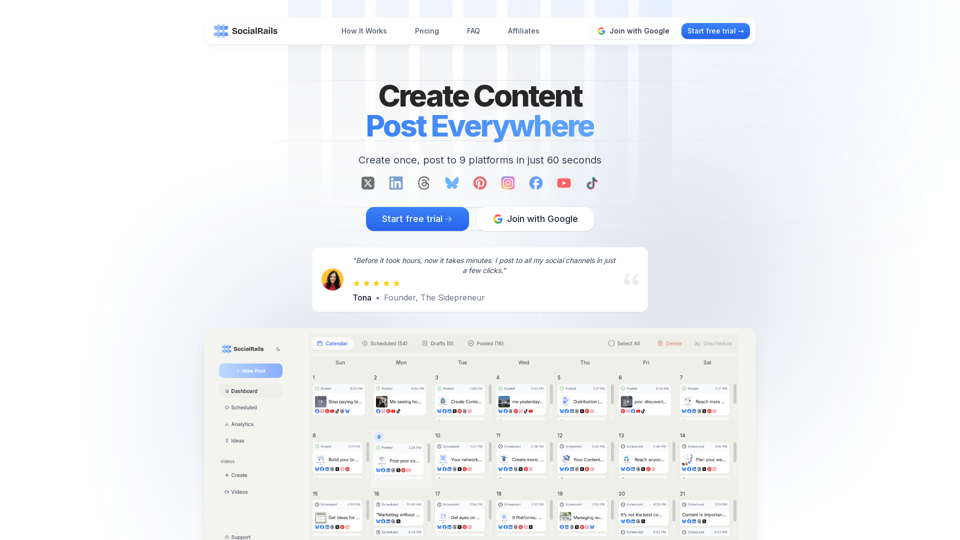
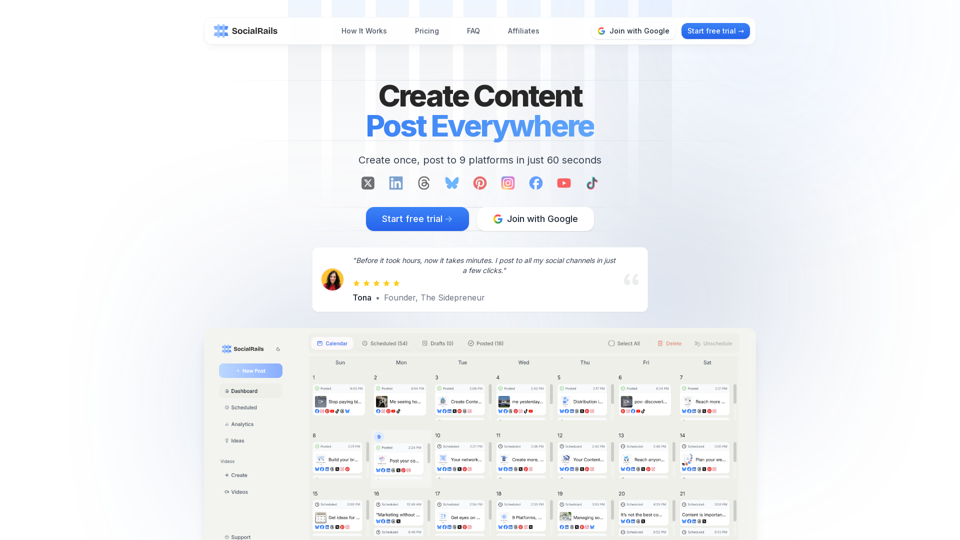
    SocialRails

    SocialRails - Social Media Management, Content Scheduling & Audience Engagement Analytics

    --
    SocialRails

    SocialRails - Social Media Management, Scheduling & Audience Engagement Analytics

    --
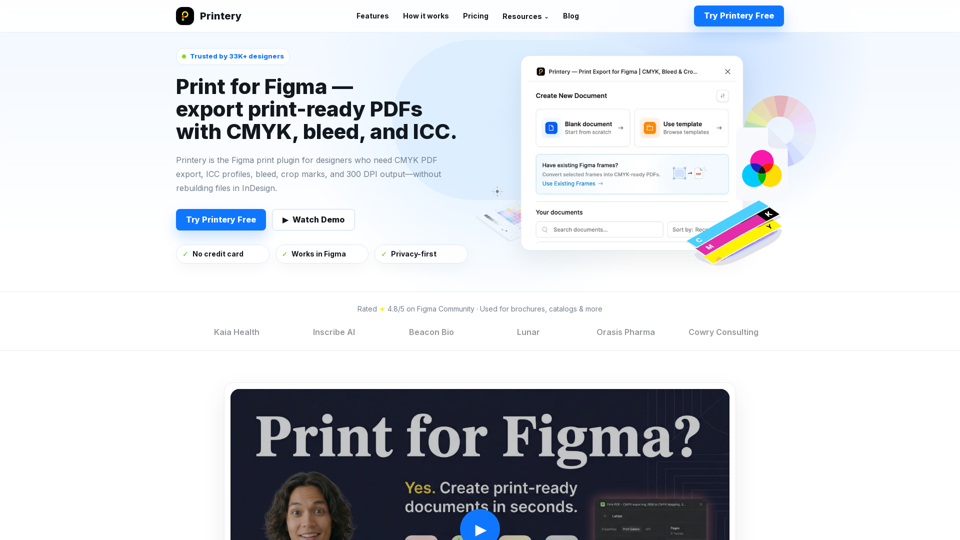
    Printery - Print for Figma

    Printery - Print for Figma - Professional Print-Ready PDF Export Plugin with CMYK, Bleed & ICC

    --
    YouMind

    YouMind - AI Mental Health & Personalized Wellness Digital Psychological Support

    --
    More Tags about: PDF to MD