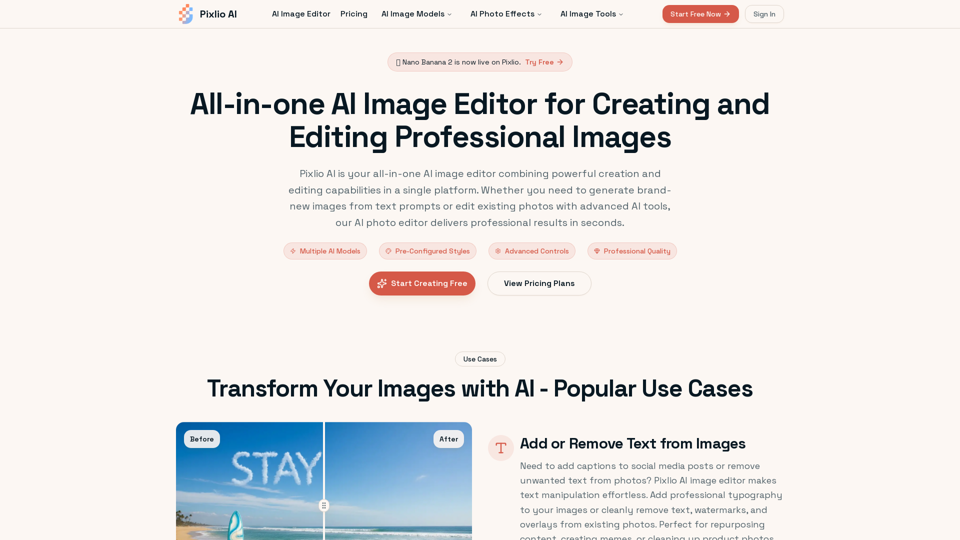
Pixlio AI Overview
Pixlio AI is an all-in-one AI image editor that combines powerful image creation and editing capabilities on a single platform. It allows users to generate new images from text prompts and edit existing photos using advanced AI tools, delivering professional results quickly.
Main Purpose and Target User Group
- Main Purpose: To provide a comprehensive, AI-powered solution for generating and editing professional-quality images efficiently.
- Target User Group: E-commerce businesses, marketing teams, content creators, graphic designers, photographers, and individuals seeking advanced yet easy-to-use image manipulation and generation tools.
Function Details and Operations
-
AI Image Generation
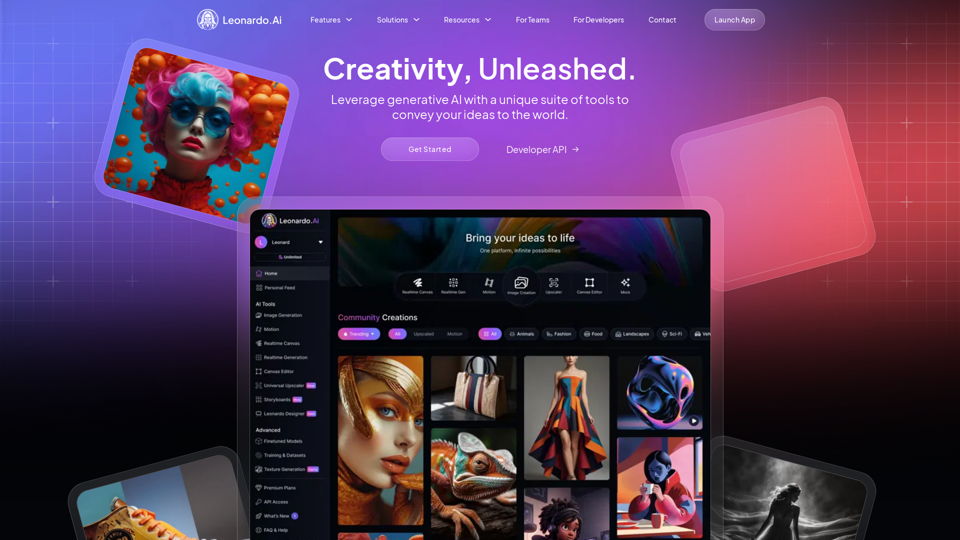
- Creates original images from text descriptions using cutting-edge models like Flux, Qwen Image, and Seedream v4.
- Offers control over style, composition, and quality.
- Includes specific models like Nano Banana 2, Nano Banana Pro, Seedream 5, Seedream 4.5, and Gempix2.
-
Intelligent Photo Editing
- AI-powered tools for editing existing images.
- Features include background removal/change, object/text addition/removal, quality enhancement, lighting adjustment, and filter application.
- Context-aware and semantic understanding for natural-looking edits.
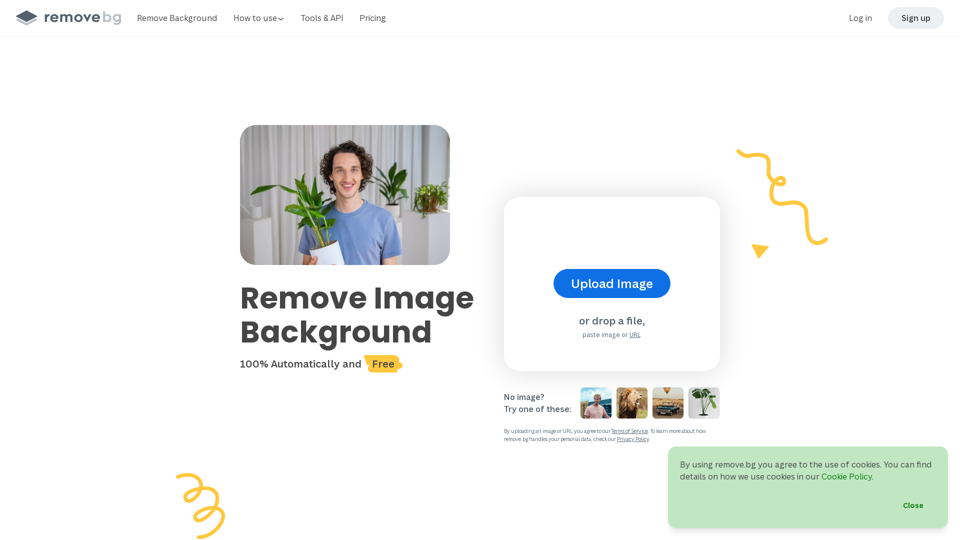
- Specific tools: Background Remover, Image Upscaler, Unblur Image, Image Describer, Image to Prompt Generator, Image to Image AI.
-
Professional Styles & Presets
- Generates images in pre-configured professional styles (e.g., Studio Ghibli anime, Pixar 3D animation, pixel art, photorealistic, fine art, cartoon).
- Allows applying these styles during creation or transforming existing photos.
-
Advanced Customization
- Custom prompts, aspect ratios (square, portrait, landscape, custom).
- Seed values for reproducibility, negative prompts, guidance scales.
- Multiple output formats.
-
High-Resolution Outputs
- Exports high-resolution images suitable for print, web, commercial projects, and professional portfolios.
-
Fast Processing
- Most operations complete within 5–45 seconds.
-
Specialized AI Tools
- AI Age Progression, AI Photo Restoration, AI Snow Photo, Add Snow to Photo, AI Embroidery Generator, AI Professional Headshot, AI Christmas Photo, AI Happy New Year Photo and Card, Caricature Maker, Photo to Anime, Photo to Pixel Art, Photo to Line Drawing, Photo to Sketch, Photo to Painting, 3D Camera Control.
-
Text Manipulation
- Effortlessly add professional typography or cleanly remove text, watermarks, and overlays. AI intelligently fills removed areas.
-
Product Image Creation
- Generates lifestyle product images, places products in aspirational settings, creates multiple angle variations, and enhances product photos with perfect lighting for e-commerce.
-
Marketing Graphics Generation
- Creates original hero images, social media graphics, ad creatives, and blog post illustrations. Edits stock photos to match brand guidelines.
User Benefits
- All-in-One Solution: Combines creation and editing, eliminating the need for multiple tools.
- Browser-Based Convenience: Accessible from any device with a web browser, no software installation required.
- Latest AI Technology: Continuously updated with new models and algorithms for cutting-edge capabilities.
- Commercial Usage Rights: Paid credits grant full commercial usage rights for created/edited images.
- Privacy & Security: User content handled with care and maintained security standards.
- No Learning Curve: Intuitive controls and plain-language prompts allow professional results without extensive training.
- Cost-Effective: Eliminates the need for expensive photoshoots or complex software.
- Time-Saving: Rapid processing and AI automation significantly reduce creation and editing time.
Compatibility and Integration
- File Formats Supported: Uploads JPG, PNG, and WebP. Exports PNG, JPG.
- Browser-Based: Works across various operating systems and devices via a web browser.
Customer Feedback and Case Studies
-
Use Cases Highlighted
- Adding/Removing Text from Images (e.g., social media captions, cleaning product photos).
- Changing/Removing Backgrounds (e.g., product photography, transparent PNGs).
- Creating Professional Product Images (e-commerce).
- Generating Custom Graphics for Marketing (campaign visuals, social media, ads).
-
Gallery
- Showcases diverse examples of images created or enhanced with Pixlio AI, including portraits, urban scenes, product shots, nature, character art, architecture, wildlife, sci-fi, anime, cartoon, and pixel art.
Access and Activation Method
- Sign Up: Create an account to receive complimentary credits. No credit card required for initial access.
- Free Credits: New users receive free credits to explore both creation and editing features.
- Subscription Plans: Flexible pricing options (Basic, Pro, Max) available monthly or annually for regular use, offering varying credit allowances and features.
- Credit Packs: Option to purchase additional credit packs for specific projects.
- Commercial Use: Available with paid credits.