AI Photo Editor

AI Photo Editor - Free Online AI Photo Enhancer, Background Remover, Image Generator & Photo Retouch

AI Photo Editor

AI Photo Editor -Introduction

AI Photo Editor is an innovative online platform designed to revolutionize the way users edit and enhance their images. Leveraging advanced artificial intelligence, this tool allows anyone to transform and refine photos with remarkable ease and speed. By simply using text prompts, users can achieve professional-quality results, making complex photo editing accessible to everyone, regardless of their technical skill. It streamlines the creative process, offering a powerful yet intuitive solution for both personal and professional image manipulation.

AI Photo Editor -Features

Overview

The AI Photo Editor is a free online tool designed to transform, enhance, and edit images using artificial intelligence and text prompts. It allows users to achieve professional-quality results quickly and efficiently, streamlining the photo editing process for various needs.

Main Purpose and Target User Group
Main Purpose: Provide an easy-to-use, prompt-first AI-powered platform for image editing, enhancement, and generation, enabling users to achieve specific visual outcomes without advanced design skills. It aims to accelerate workflows, improve visual consistency, and facilitate creative experimentation.
Target User Group:

  • Personal Users: For cleaning up travel photos, street shots, daily captures, and general image fixes.
  • E-commerce Businesses: Store operators, brands, and independent sellers needing to improve product images, create launch-ready visuals, and maintain brand consistency.
  • Professionals & Individuals: For polishing portraits, headshots, and personal brand images to ensure a consistent public-facing image.
  • Marketing & Content Teams: For updating marketing assets, creating ad visuals, social media content, and banners with fast iteration cycles.
  • Freelance Designers: For exploring concepts, iterating on ideas, and refining creative work efficiently.
  • Small Business Owners: To generate professional-looking images without the need for expensive photography.
  • Content Creators: For producing engaging social media visuals that align with their brand.
  • Startups: To create high-quality visuals for presentations and marketing with limited budgets.
  • Beginners & Non-Designers: Users without formal design training or advanced retouching skills who need a simple, intuitive editing solution.

Function Details and Operations

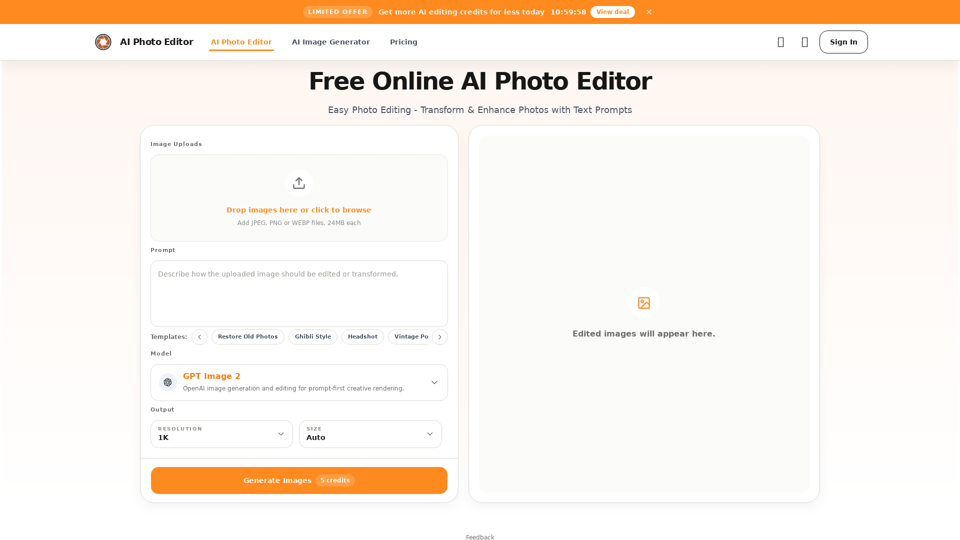
  • Prompt-Based Editing: Users describe desired changes using natural language text prompts (e.g., "remove bag," "change wall color," "make skin look smooth").
  • Precise Content Control: Makes targeted changes to people, objects, areas, and small details, allowing adjustment of local elements, improvement of subject focus, or reorganization of visual attention.
  • AI Background Replacement: Transforms ordinary settings into cleaner, premium, or brand-aligned backgrounds while maintaining natural subject edges.
  • Detail Improvement: Enhances lighting, refines skin texture, strengthens product details, and increases overall image clarity for portraits, product shots, and close-ups.
  • Multiple Reference Images: Supports using several reference images to unify style, borrow composition ideas, or merge useful elements for consistent visual output.
  • Fast Stylization: Transforms original photos into defined visual looks such as Ghibli-inspired, Polaroid, film texture, illustration, or vintage aesthetics.
  • AI Models: Offers a choice of AI models like GPT Image 2 (flexible creation/editing), Nano Banana Pro (premium commercial output, consistency), Seedream (advanced generation), and Qwen (intelligent editing, complex scenes).
  • Object Removal: Automatically removes specified objects, people, or distractions from photos, rebuilding the background.
  • Image Generation: Capable of generating images based on text prompts.
  • Templates: Provides templates for common tasks like "Restore Old Photos," "Ghibli Style," "Headshot," "Vintage Portrait," "Cinematic Portrait," "Skin Enhancement," and "YouTube thumbnail generator."
  • Supported File Formats: Uploads JPEG, PNG, and WebP files (up to 24MB each). Downloads high-quality results.
  • Workflow: Simple 3-step process: 1) Upload image, 2) Describe change with a prompt, 3) Generate, review, and download.

User Benefits

  • Faster Workflow: Significantly reduces editing time by skipping repetitive steps like cutouts, masking, and local cleanup.
  • Lower Learning Curve: Accessible to non-designers as it requires no advanced retouching skills; users simply describe changes.
  • Focused Workflow: The entire process, from upload to prompt, preview, and export, occurs on a single page, minimizing context switching.
  • Better Iteration: Facilitates trying multiple editing directions, reusing ideas, refining results step-by-step, and building repeatable editing methods.
  • Consistent Quality: Designed to preserve key details and maintain image quality, ensuring sharp, natural, and usable final images.
  • Cost-Effective: Offers free credits and provides professional-looking results without the need for expensive software or professional photographers.
  • Creative Experimentation: Enables quick testing of different styles and visual directions.

Compatibility and Integration

  • Online Platform: A web-based tool accessible directly through a browser.
  • File Format Support: Compatible with common image formats including JPEG, PNG, and WebP for uploads.
  • Output: Provides high-quality downloadable images suitable for web, social media, and business use.

Access and Activation Method

  • Online Access: The editor is available directly on the website (aiphotoeditor.io) without needing to navigate to a separate tool page.
  • Account Requirement: Users need to sign in, typically via a Google account for one-click authorization.
  • Free Credits: Offers 20 free credits every 24 hours, which can be manually claimed for image editing and generation.
  • Paid Credits: Additional credits can be purchased for more extensive usage.
  • Direct Editor Access: The editing interface is integrated directly into the homepage for immediate use.
AI Photo Editor -Frequently Asked Questions

What is AI Photo Editor?

AI Photo Editor is a free online tool that allows you to edit, transform, and enhance your photos using artificial intelligence. You can make precise changes, replace backgrounds, improve details, and stylize images with simple text prompts.

Do I need an account to use the AI Photo Editor?

Yes, you need to sign in to use the AI Photo Editor. You can use your Google account for one-click authorization to log in.

Is the AI Photo Editor free to use?

Yes, it is free to use. Every 24 hours, you can manually claim 20 free credits for image editing and generation. If you need more credits, you can purchase them directly.

How does the AI Photo Editor work?

Simply upload an image, enter a text prompt describing the changes you want (e.g., "remove bag," "change wall color," "make skin look smooth"), and click the "Generate" button. The AI will then process your request and display the edited image.

Why is AI Photo Editor good for beginners?

The AI Photo Editor is designed for simplicity. It doesn't require advanced skills like layers, masking, or Photoshop knowledge. You just upload an image and use a prompt to get a polished result quickly, making it very user-friendly for non-designers.

Which file formats does AI Photo Editor support?

The AI Photo Editor supports common image formats including JPG, PNG, and WebP. After editing, you can download a high-quality result suitable for web, social, or business use.

Which AI models power this AI Image Editor?

You can choose from several models including GPT Image 2, Nano Banana, Nano Banana 2, Nano Banana Pro, Seedream, and Qwen. Each model offers a different balance of speed, detail, and consistency for your edits and generations.

Can I use images edited with AI Photo Editor for commercial work?

Yes, images created or edited using AI Photo Editor can be used for commercial purposes such as e-commerce, marketing, social media, websites, and other business projects.

Can AI Photo Editor change photos using a text prompt?

Yes, a core benefit of AI Photo Editor is its prompt-based editing capability. You can describe what you want to remove, improve, replace, or restyle, and the system will automatically apply the changes for fast and efficient editing.

Will AI Photo Editor maintain the quality of my photos?

Yes, AI Photo Editor is designed to preserve key details while making changes, ensuring your final image remains sharp, natural, and suitable for everyday publishing and business tasks.

Is my data safe when using the editor?

We handle uploads through secure workflows and limit access to what is needed to operate the AI Photo Editor service. For exact details on storage and processing, please refer to our privacy policy.

Can AI Photo Editor remove objects from photos for free?

Yes, you can describe the object, person, or distraction you want removed in a prompt, and AI Photo Editor will automatically rebuild the background, providing a cleaner final result.

How can AI Photo Editor enhance my photos?

AI Photo Editor acts as an AI Photo Enhancer by improving lighting, refining skin texture, strengthening product details, and increasing overall image clarity. It can also transform photos with fast stylization, applying looks like Ghibli-inspired, vintage, or film aesthetics.

Can AI Photo Editor remove backgrounds?

Yes, AI Photo Editor functions as an AI Background Remover. You can use prompts to replace backgrounds with cleaner, more premium, or brand-aligned settings while maintaining natural subject edges.

Does AI Photo Editor include an AI Image Generator?

Yes, AI Photo Editor includes AI Image Generator capabilities, allowing you to create and edit images from text prompts using models like GPT Image 2, Nano Banana Pro, Seedream, and Qwen.

Can AI Photo Editor help with photo retouching?

Yes, AI Photo Editor offers AI Photo Retouch features, particularly for portraits and product details. It can improve skin texture, lighting, and overall clarity, making visuals ready for professional use.

AI Photo Editor -Data Analysis

Latest Traffic Information

  • Monthly Visits

    -

  • Bounce Rate

    0.00%

  • Pages Per Visit

    0.00

  • Visit Duration

    00:00:00

  • Global Rank

    -

  • Country Rank

    -

Visits Over Time

Traffic Sources

  • direct:
    0.00%
  • referrals:
    0.00%
  • social:
    0.00%
  • mail:
    0.00%
  • search:
    0.00%
  • paidReferrals:
    0.00%
More data

AI Photo Editor - Alternative

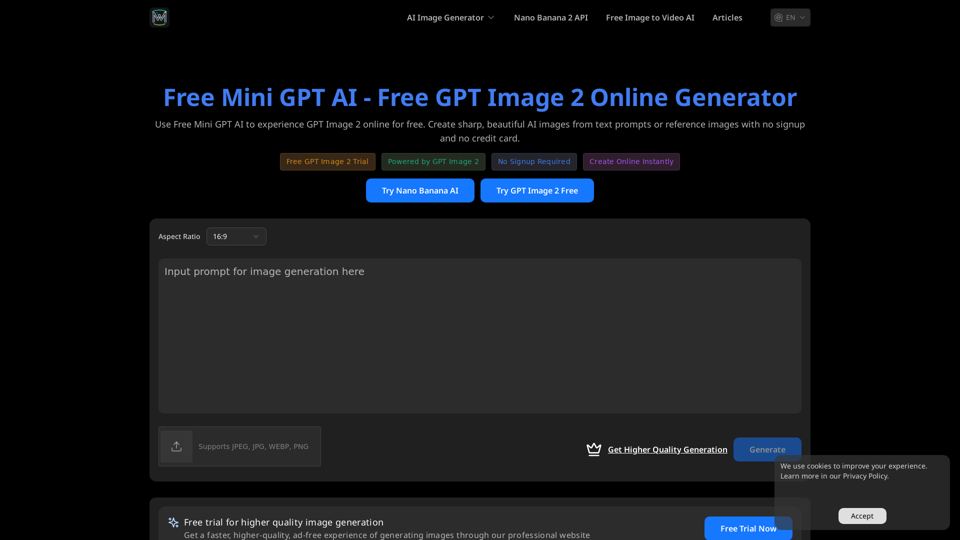
Free Mini GPT Image AI

Free Mini GPT Image AI - Generate Free GPT Image 2 Online

--
Vidoly AI Image & Video Generator

Vidoly AI Image & Video Generator - AI Video, Text to Image, Generative AI Content Creation Tool

--
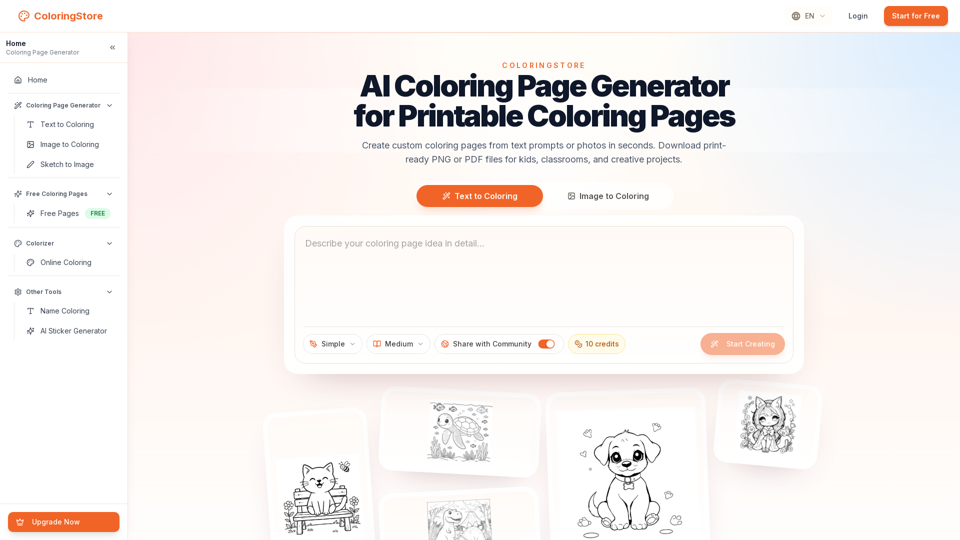
Coloring Store

Coloring Store - AI Generator, Printable Pages, Books, Supplies

--
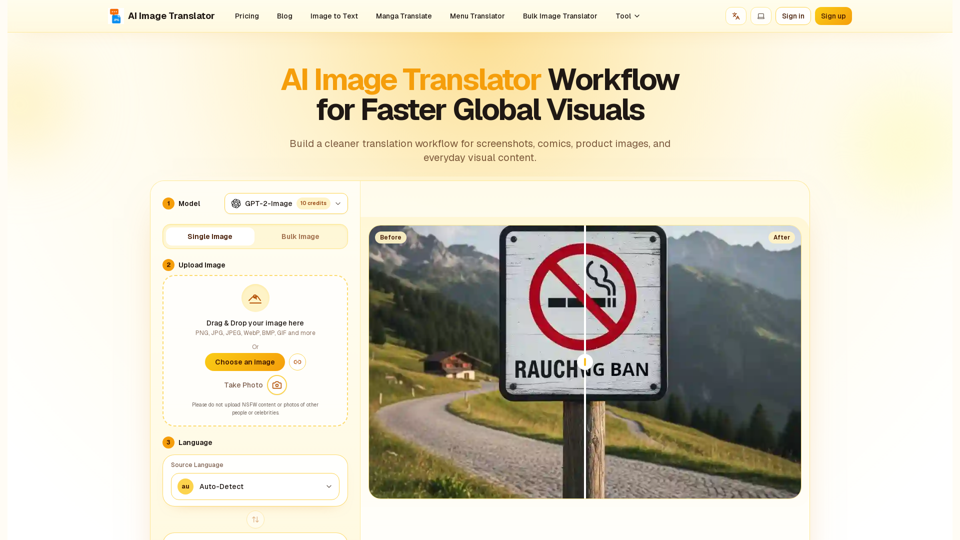
Image Translator Pixel-Perfect

Image Translator Pixel-Perfect - AI Image Translator Online, Visual Translation Software & AI Photo Translator

--
More Tags about: AI Photo Editor